
Pixcap
Web-based 3D design tool for creating and customizing icons, mockups, and characters with a 2D interface
 Framer
What it is
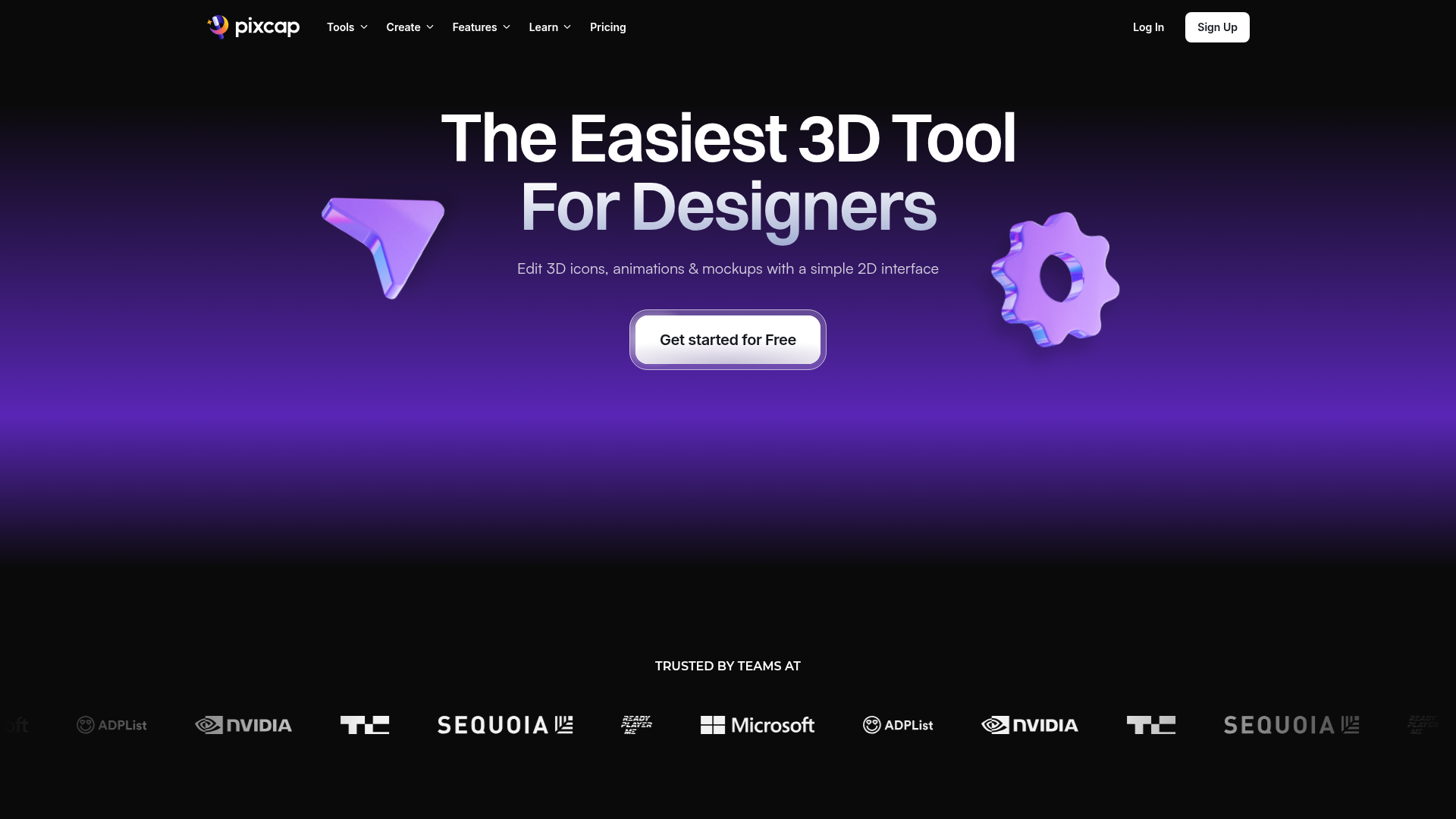
Pixcap is a browser-based 3D design platform that lets designers create and edit 3D icons, animations, mockups, and characters using a simple 2D interface. The tool eliminates the steep learning curve of traditional 3D software by offering a web editor where users can adjust colors, materials, poses, and apply AI style transfer without prior 3D modeling experience. The platform provides a library of over 15,000 customizable 3D assets organized into categories such as icons, illustrations, device mockups, and character packs.
Key features include animated 3D mockups that accept custom labels and export in 4K within minutes, a character posing tool for modifying 3D figures, and AI-powered generators for models, characters, backgrounds, icons, and filters. Assets can be downloaded in multiple formats including GLB, MP4, GIF, and PNG for use in Figma, Blender, Maya, Cinema 4D, Photoshop, Illustrator, After Effects, and other popular design tools. A Figma plugin is also in development.
The service targets UI/UX designers, product teams, marketers, and agencies who need high-quality 3D visuals for landing pages, mobile apps, pitch decks, and branding projects without hiring specialized 3D studios. Testimonials highlight reduced production time, cost savings, and increased conversion rates when incorporating 3D elements into digital products.
Getting started requires signing up for a free account that includes 30 monthly credits for super downloads and AI features. Paid tiers unlock the full premium asset library, higher credit allowances, commercial licensing, watermark removal, 3D file exports, and dedicated support. Enterprise plans add custom 3D modeling, animation, and mockup services.
Pixcap stands out by combining an extensive asset library with an accessible editor and AI assistance, making professional 3D design practical for teams that lack 3D expertise or budget for traditional pipelines.
This description was generated by AI from the site's public content and may contain errors.
What you can do there
- Edit and customize 3D icons with colors and materials
- Create animated 3D mockups with custom labels
- Pose and modify 3D characters in the browser
- Generate 3D assets using AI tools
- Download assets in GLB, MP4, GIF, and PNG formats
Who it's for
UI/UX designers, product teams, marketers, and agencies needing 3D visuals without 3D expertise
Frequently asked questions about pattern-wake-491690.framer.app
›What file formats can I export from Pixcap?
You can download assets as GLB, MP4, GIF, or PNG files for use in other design and development tools.
›Do I need 3D modeling experience to use Pixcap?
No, the web-based editor uses a 2D interface so designers can customize 3D assets without any 3D modeling background.
›Can I use Pixcap assets for commercial projects?
Commercial licensing is included with Pro, Elite, and Enterprise plans; the free tier may have restrictions.
›Does Pixcap integrate with Figma?
A Figma plugin is listed as coming soon, and assets can be exported in formats compatible with Figma workflows.
›What AI features does Pixcap offer?
AI tools include style transfer, 3D model generation, character generation, background generation, icon generation, and filters.
›How many 3D assets are available in the library?
The platform offers over 15,000 customizable 3D icons, illustrations, mockups, and characters across multiple categories.