
LingoLink
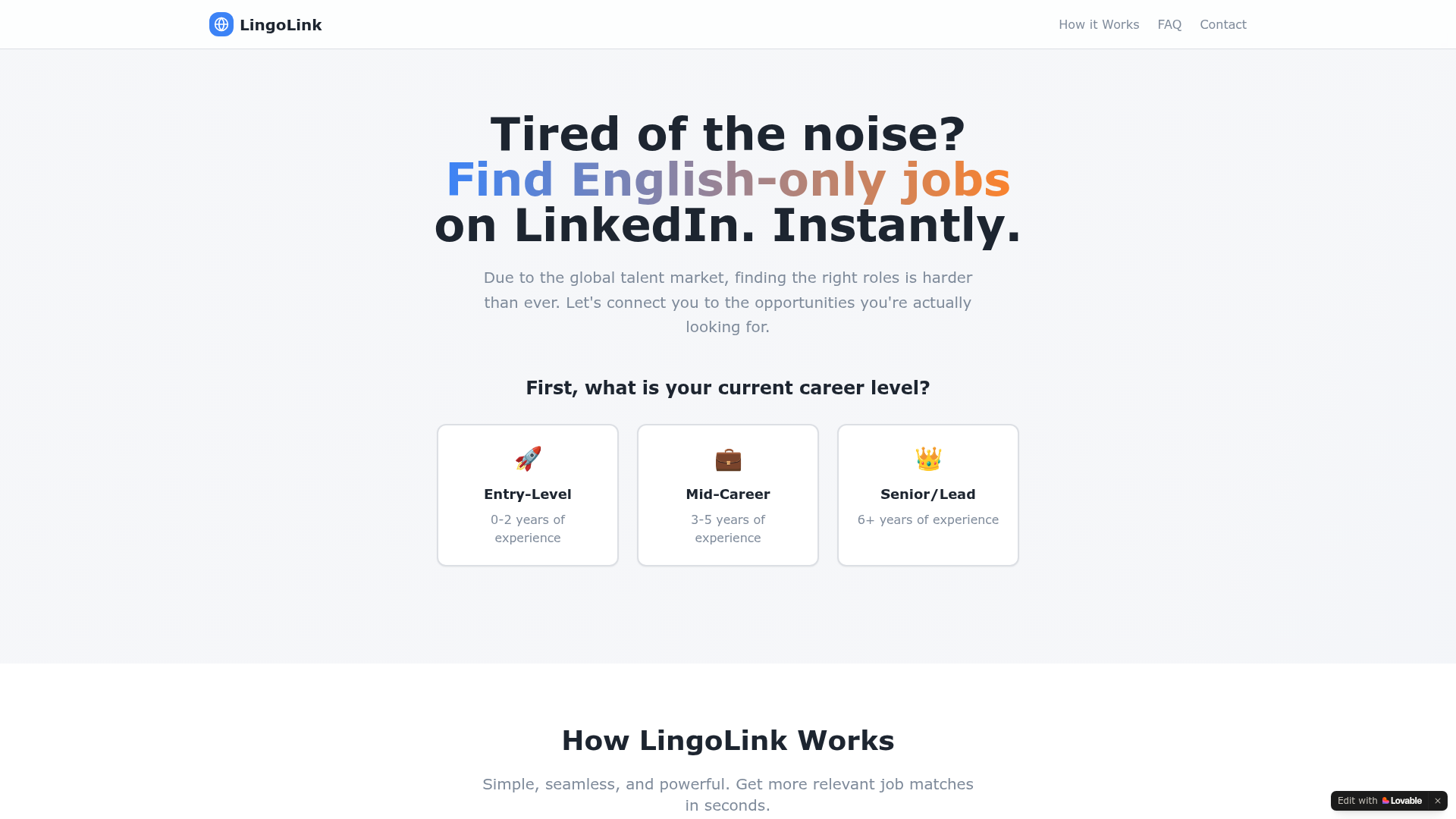
Chrome extension that filters LinkedIn job searches to show only English-language postings
 Lovable
What it is
LingoLink is a browser extension designed to help job seekers find English-only positions on LinkedIn without manually sorting through international postings. The tool integrates directly with the LinkedIn job search interface and automatically filters results based on the language used in each job description. Users install the extension once and then search for jobs as they normally would on LinkedIn while LingoLink works in the background to hide non-English listings.
The extension serves professionals at all career levels from entry-level candidates to senior leaders who want to focus their job search on opportunities matching their language requirements. It eliminates hours of scrolling through irrelevant postings and helps applicants apply to relevant positions faster. The tool works with all existing LinkedIn search filters and is compatible with both free LinkedIn accounts and LinkedIn Premium subscriptions.
LingoLink offers a freemium model with a free tier that provides 50 job filters per day and basic support. Paid plans unlock unlimited filtering, priority support, advanced filtering options, and job alerts with notifications. The extension only reads job posting language and does not access personal LinkedIn data or modify user profiles. Currently available for Google Chrome with support for additional browsers planned.
Getting started requires a single click to add the extension to Chrome followed by the standard browser prompts. No additional setup or configuration is needed. The extension activates automatically when users visit LinkedIn job search pages. Over 20,000 professionals use the tool with reported average three times faster job search speeds and a 4.8 out of 5 user rating.
The service includes a seven-day money-back guarantee on paid plans with no setup fees and the ability to cancel anytime. Customer support is available via email for both free and premium users.
This description was generated by AI from the site's public content and may contain errors.
What you can do there
- Install Chrome extension for LinkedIn job filtering
- Automatically filter LinkedIn jobs to English-only postings
- Search LinkedIn jobs with language filtering applied
- Upgrade to premium for unlimited filtering and alerts
- Access customer support via email
Who it's for
Job seekers who want English-only LinkedIn job results
Frequently asked questions about lingolink-job-filter.lovable.app
›Is LingoLink safe to use with my LinkedIn account
Yes, the extension only reads job posting language to filter results and does not access personal LinkedIn data or modify your profile in any way.
›How do I install the LingoLink Chrome extension
Click the Add to Chrome button on the website and follow the browser prompts. The extension will be ready to use immediately when you visit LinkedIn job search pages.
›Does LingoLink work with LinkedIn Premium accounts
Yes, the extension works with both free LinkedIn accounts and LinkedIn Premium subscriptions without any compatibility issues.
›What browsers does LingoLink support
Currently LingoLink is available for Google Chrome only. Support for Firefox and other browsers is in development and coming soon.
›Can I cancel my premium subscription at any time
Yes, all paid plans can be cancelled anytime with no setup fees. A seven-day money-back guarantee is also offered on premium subscriptions.
›How many job filters does the free plan include
The free plan provides 50 job filters per day along with English-only job filtering and basic customer support.