
Kroom Karaoke
Cloud karaoke platform for live rooms with phone-based queue and TV display.
 FireBase
What it is
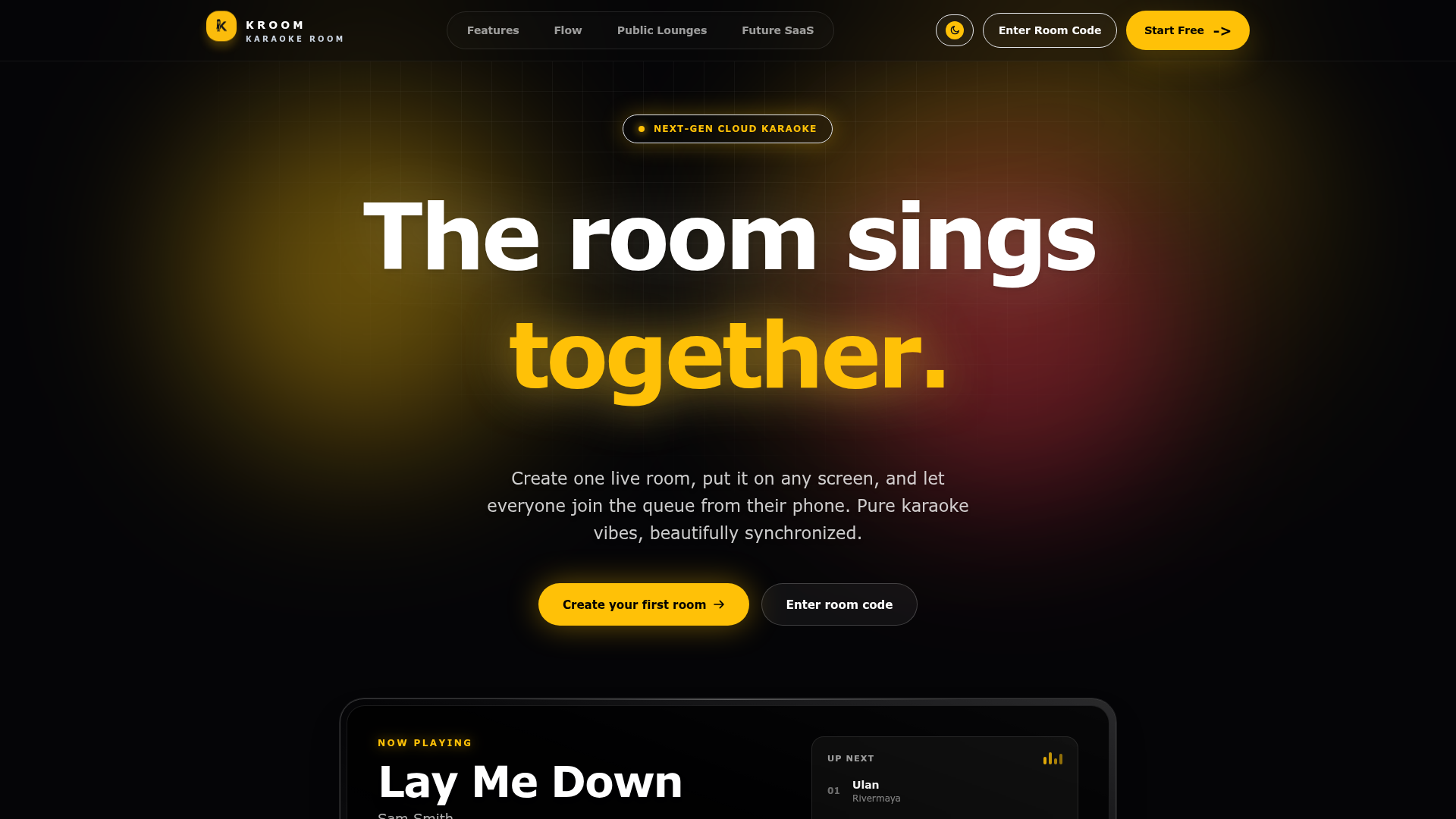
Kroom Karaoke is a cloud-based karaoke system that lets anyone create a live singing room and share it across screens while guests add songs from their phones. The service splits the experience into a host display for the room and a mobile interface for song requests, removing the need for apps, accounts, or paper slips. Public lounges allow strangers to join active sessions instantly with just a guest name, making spontaneous karaoke accessible anywhere with a screen and an internet connection.
Core features include a phone-first request flow where guests scan a QR code, search a catalog, and queue tracks without installation. The display view shows the current singer, upcoming queue, and playback state in real time, while the host retains controls to skip, pause, or reorder songs without becoming a bottleneck. Rooms are created in four steps: start a room, open the live display on a TV or projector, invite guests via a short code or QR, and sing as requests synchronize across devices.
The platform serves home party hosts, private karaoke booths, event organizers, and venues looking for a lightweight queue management tool. Because it runs in the browser, it works on any device with a modern browser, lowering the barrier for casual gatherings and professional setups alike. Future plans indicate a SaaS tier with branded displays, multi-room operations, and subscription packaging for commercial use.
Getting started is free and requires no registration; users simply visit the site, create a room, and project the display. Guests join by entering the room code or scanning the QR code, then search and add songs immediately. The interface emphasizes synchronization so that playback, queue order, and singer rotation stay consistent across all connected screens.
What makes Kroom notable is its focus on frictionless collaboration: separating the request device from the playback device eliminates the traditional host bottleneck, and the public directory enables drop-in participation without coordination. The product is currently at version 1.2.0 with a clear roadmap toward venue-grade features while keeping the core experience free for personal use.
This description was generated by AI from the site's public content and may contain errors.
What you can do there
- Create a free live karaoke room
- Join public karaoke lounges instantly
- Queue songs from a phone via QR code
- Display synchronized playback on any screen
- Host controls for skip pause and queue management
Who it's for
Party hosts, karaoke venues, event organizers, casual singers
Frequently asked questions about kroom-karaoke.web.app
›How do I create a karaoke room on Kroom?
Visit the site, click Create your first room, then open the live display on a TV or projector and share the room code or QR code with guests.
›Do guests need to install an app or create an account?
No. Guests join by scanning the QR code or entering the room code in a browser, then search and queue songs without any app or account.
›Can I join a public karaoke session without a room code?
Yes. The Global Directory lists live public lounges you can enter by providing a guest name.
›What controls does the host have during a session?
The host can skip, pause, and reorder the queue while the room continues to run on the display.
›Is Kroom free to use?
The core experience is completely free with no signup required; future SaaS features for venues may introduce subscriptions.
›What devices work with the display view?
Any device with a modern browser such as a smart TV, laptop, tablet, or projector can serve as the room display.
›Does Kroom support multiple rooms for venues?
Multi-room operations are on the roadmap for the future SaaS tier but are not yet available in the free version.