
GHCup
Official installer and toolchain manager for the Haskell programming language
 ReadtheDocs
What it is
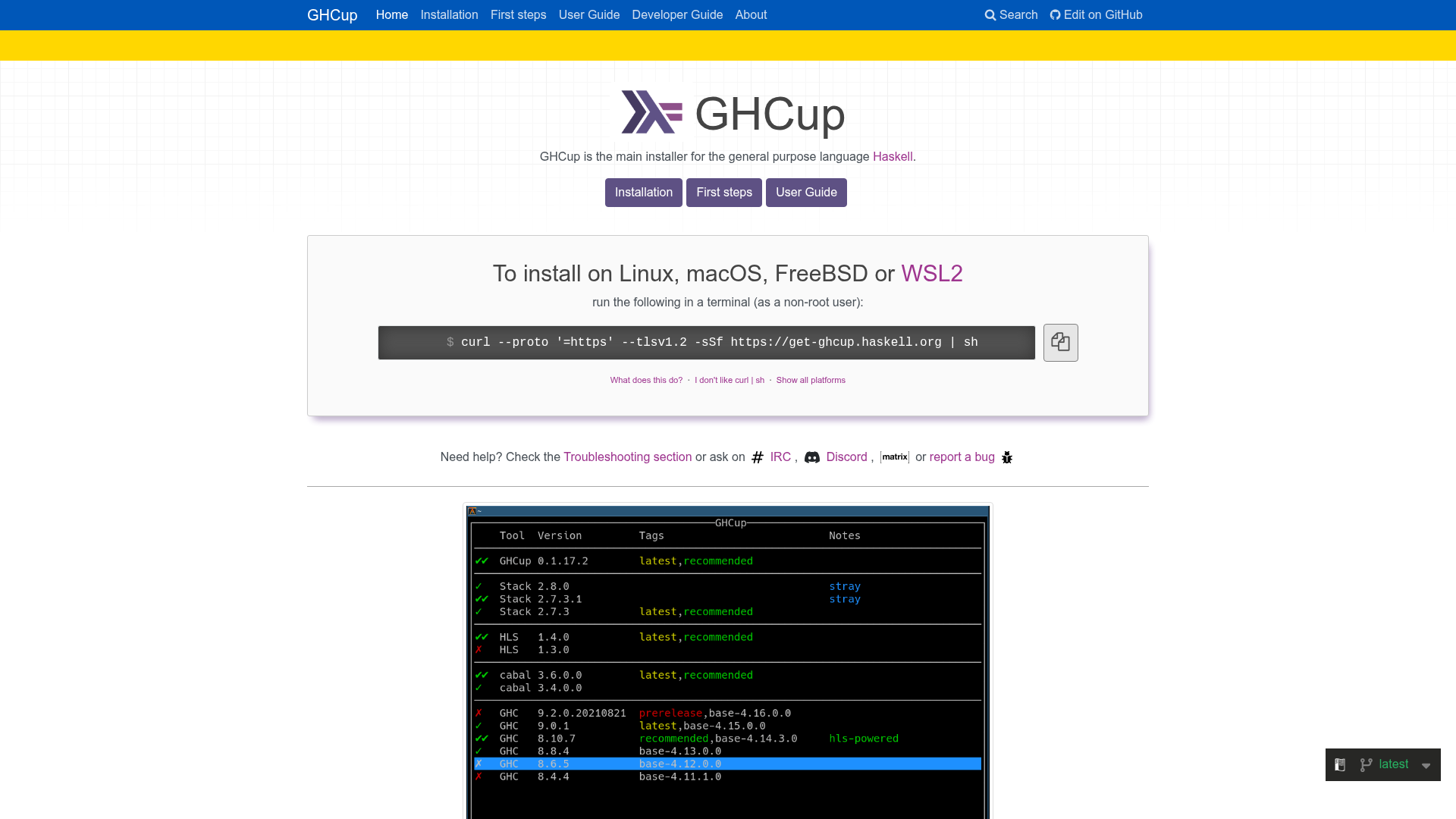
GHCup is the primary installation tool for Haskell, a general purpose functional programming language. It provides a streamlined way to install and manage the Glasgow Haskell Compiler (GHC), the Cabal build tool, and other essential components of the Haskell toolchain. The project serves developers who need a reliable, cross-platform method to set up their Haskell development environment without manual configuration.
The installer supports multiple operating systems including Linux, macOS, FreeBSD, Windows Subsystem for Linux 2, and native Windows. On Unix-like systems, installation runs through a simple curl command that downloads and executes a bootstrap script. Windows users run an equivalent PowerShell command. Both methods set up GHCup as a non-root, non-admin user, keeping the installation isolated and secure.
Beyond initial installation, GHCup manages multiple GHC versions side by side, allowing developers to switch between compiler versions for different projects. It also handles Cabal, the Haskell package manager, and can install additional tools like the Haskell Language Server for IDE integration. The toolchain approach reduces version conflicts and simplifies project onboarding.
The documentation site hosts comprehensive guides covering first steps, user workflows, and developer contributions. A troubleshooting section addresses common issues, while community links point to IRC channels, Discord servers, and bug tracking for real-time support. The project is open source and hosted on GitHub, inviting contributions to the installer and its documentation.
GHCup stands out as the recommended installation path by the Haskell Foundation and the broader Haskell community. Its focus on ease of use, version management, and platform coverage makes it the standard entry point for both new learners and experienced functional programmers setting up Haskell environments.
This description was generated by AI from the site's public content and may contain errors.
What you can do there
- Download and run the GHCup installation script for Unix-like systems
- Run the PowerShell bootstrap command for Windows installation
- Read the first steps guide for new Haskell users
- Consult the user guide for version management and toolchain commands
- Access the developer guide to contribute to GHCup itself
Who it's for
Haskell developers, functional programming learners, and software engineers setting up Haskell toolchains
Frequently asked questions about ghcup.readthedocs.io
›What is GHCup used for?
GHCup installs and manages the Haskell toolchain including the GHC compiler, Cabal build tool, and Haskell Language Server across multiple platforms.
›Which operating systems does GHCup support?
GHCup supports Linux, macOS, FreeBSD, Windows Subsystem for Linux 2, and native Windows through PowerShell.
›Can I install multiple GHC versions with GHCup?
Yes, GHCup allows side-by-side installation of multiple GHC versions and provides commands to switch between them for different projects.
›Is GHCup the official Haskell installer?
GHCup is the recommended installer by the Haskell Foundation and the primary installation method documented on haskell.org.
›Do I need root or administrator privileges to install GHCup?
No, GHCup installs as a regular user without requiring root on Unix or administrator rights on Windows.
›Where can I get help if GHCup installation fails?
The documentation includes a troubleshooting section, and community support is available through IRC, Discord, and GitHub issue tracking.
›Does GHCup install Haskell libraries and packages?
GHCup installs the compiler and build tools; Haskell libraries are managed separately through Cabal or Stack after GHCup sets up the toolchain.