
Excalidraw
Excalidraw virtual whiteboard for hand-drawn style diagrams and sketches
 v0 / Vercel
What it is
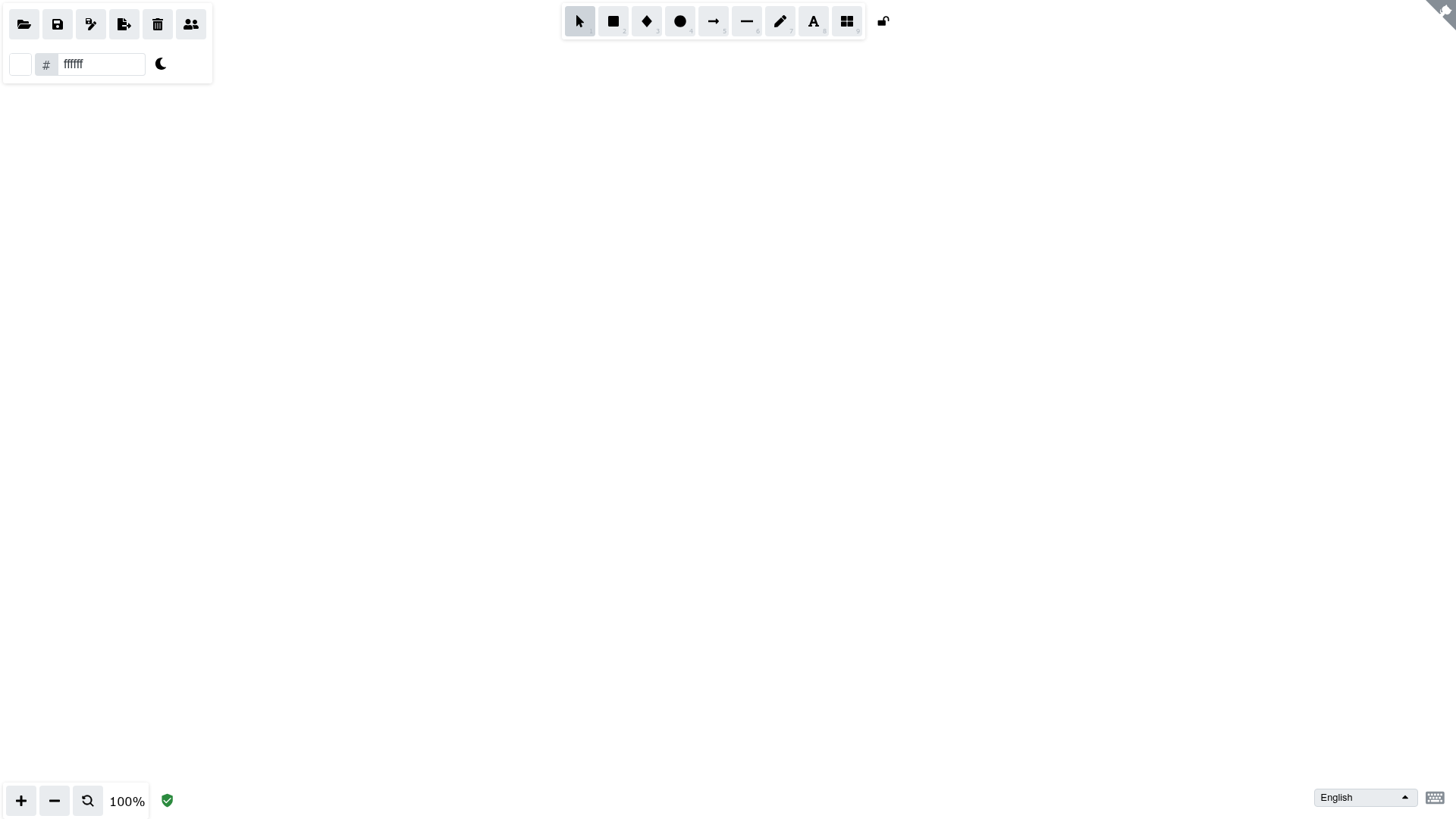
Excalidraw is an open source virtual whiteboard that lets users create hand-drawn style diagrams, sketches, and illustrations directly in the browser. The tool provides a clean canvas interface with a variety of shapes, drawing tools, and canvas actions for arranging and editing elements. All drawings are end-to-end encrypted, ensuring that the service's servers never access user content. The interface supports dozens of languages, making it accessible to a global audience. Users can start drawing immediately without registration, and the tool works offline once loaded. Excalidraw is popular among developers, designers, educators, and teams who need quick, informal diagrams for planning, brainstorming, or documentation. The Vercel deployment at this address offers a ready-to-use instance of the application with full feature parity to the main project.
This description was generated by AI from the site's public content and may contain errors.
What you can do there
- Create hand-drawn style diagrams and sketches
- Use shapes, arrows, and freehand drawing tools
- Export drawings as PNG, SVG, or .excalidraw files
- Work offline after initial load
- Access interface in dozens of languages
Who it's for
Developers, designers, educators, and teams needing quick visual diagrams
Frequently asked questions about excalidraw-5pizked70.vercel.app
›What is Excalidraw used for?
Excalidraw is used for creating hand-drawn style diagrams, wireframes, flowcharts, and sketches for planning, brainstorming, and documentation.
›Is Excalidraw free to use?
Yes, Excalidraw is free and open source with no cost for using the core drawing features.
›Are my drawings private?
Drawings are end-to-end encrypted so the servers never see your content, and you can use it offline after the initial load.
›Can I collaborate with others in real time?
The core Excalidraw application supports real-time collaboration when connected to a live backend, though this specific deployment may vary.
›What file formats can I export to?
Excalidraw supports exporting to PNG, SVG, and its own .excalidraw format for saving and sharing editable files.
›Does it work on mobile devices?
The browser-based interface works on mobile browsers, though the drawing experience is optimized for desktop with mouse or stylus input.
›How do I save my work?
You can export your drawing as a file to your device or use the .excalidraw format to reopen and edit later in any Excalidraw instance.