
EmuCoreC
PS3 emulator launcher for Android built on RPCS3 core with library management and simplified setup
 FireBase
What it is
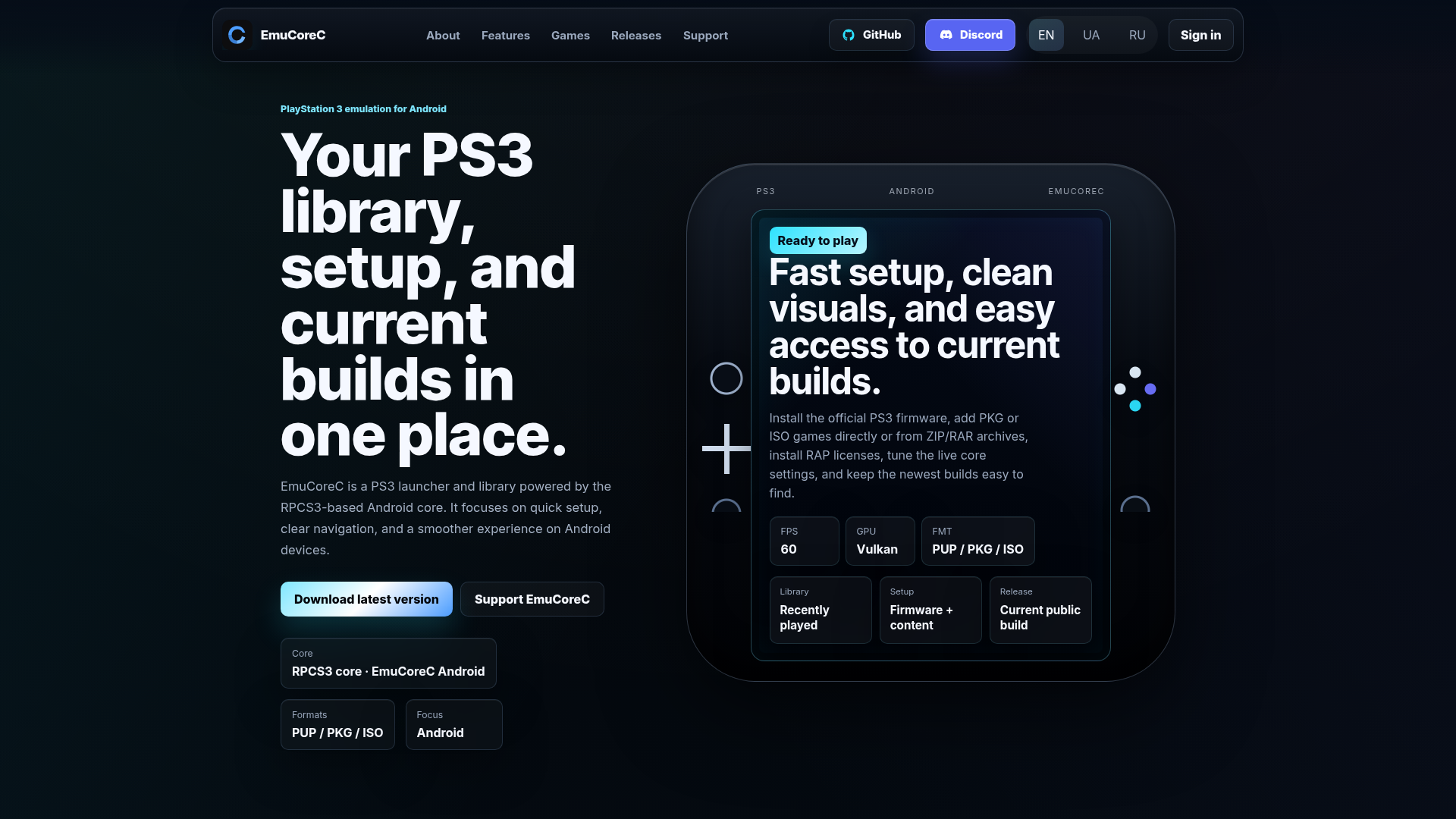
EmuCoreC is a PlayStation 3 emulation launcher and game library application designed specifically for Android devices. The project wraps the RPCS3 emulation core in an Android-focused interface that prioritizes quick onboarding, organized game browsing, and practical controls for mobile and handheld hardware. Users can install the official PS3 firmware, add PKG or ISO game files directly or from ZIP and RAR archives, manage RAP licenses, and adjust live RPCS3 core settings without leaving the app.
The software targets Android 10 and newer and leverages Vulkan graphics for performance. It provides touch control layouts, physical gamepad profile support, gyroscope input, and optional custom Adreno Vulkan drivers that can be applied globally or per game. A library-first structure keeps recently played titles, supported formats, and core settings centered around the game collection view, while a setup flow handles firmware installation, content import, and virtual PS3 storage management from first launch.
EmuCoreC is developed openly on GitHub with explicit attribution to the upstream RPCS3 project. Only the emulation core comes from RPCS3; the Android interface, library, catalog, installers, controls, and integrations are built for this project. The site offers direct downloads of current stable builds, a release history with version details, and links to a Discord community and Patreon page for optional support. No account is required to download or use the application.
Getting started involves downloading the latest APK from the release center, installing it on a compatible Android device, and following the guided setup to add firmware and game files. The interface exposes the full range of RPCS3 CPU, GPU, audio, system, overlay, network, and debug settings for advanced tuning. The project appeals to enthusiasts who want a streamlined PS3 emulation experience on Android without manual configuration overhead.
Notable aspects include the focus on mobile usability, multipart archive extraction, live core settings integration, and a commitment to open source development. The site serves as the official distribution point, documentation hub, and community gateway for the project.
This description was generated by AI from the site's public content and may contain errors.
What you can do there
- Download current stable APK builds for Android
- Browse release history with version notes
- Access guided setup for firmware and game installation
- Join Discord community for support and discussion
- View open source repository on GitHub
Who it's for
Android users seeking a streamlined PS3 emulation experience with easy setup and library management
Frequently asked questions about emucorec.web.app
›What is EmuCoreC and how does it relate to RPCS3?
EmuCoreC is an Android launcher and library built around the RPCS3 PlayStation 3 emulation core. It uses the RPCS3 core for emulation while providing its own Android interface, game library, setup tools, and controls.
›Which Android versions and hardware are supported?
The app requires Android 10 or newer and uses Vulkan graphics. It supports touch controls, physical gamepads, gyroscope input, and custom Adreno Vulkan drivers on compatible devices.
›What game formats can I play with EmuCoreC?
Supported formats include PKG, ISO, and PUP files. Games packed in ZIP or RAR archives, including multipart archives, can be extracted and installed directly from the app.
›Is EmuCoreC free and open source?
Yes, the application is free to download and use. The source code is available on GitHub with attribution to the RPCS3 project, and development is funded optionally through Patreon.
›How do I install firmware and games in EmuCoreC?
A guided setup flow lets you install the official PS3 firmware PUP file, add PKG or ISO game files, extract ZIP or RAR archives, install RAP licenses, and manage virtual PS3 storage from first launch.
›Can I adjust advanced emulation settings per game?
Yes, the app exposes live RPCS3 core settings for CPU, GPU, audio, system, overlay, network, and debug options that can be configured globally or per game.
›Where can I get help or report issues?
The project maintains a Discord community for support and discussion, and issues can be tracked through the GitHub repository linked on the site.