
DropPoint
Cross-platform drag-and-drop file holder that stores files temporarily for easy transfer between windows and workspaces
 Netlify
What it is
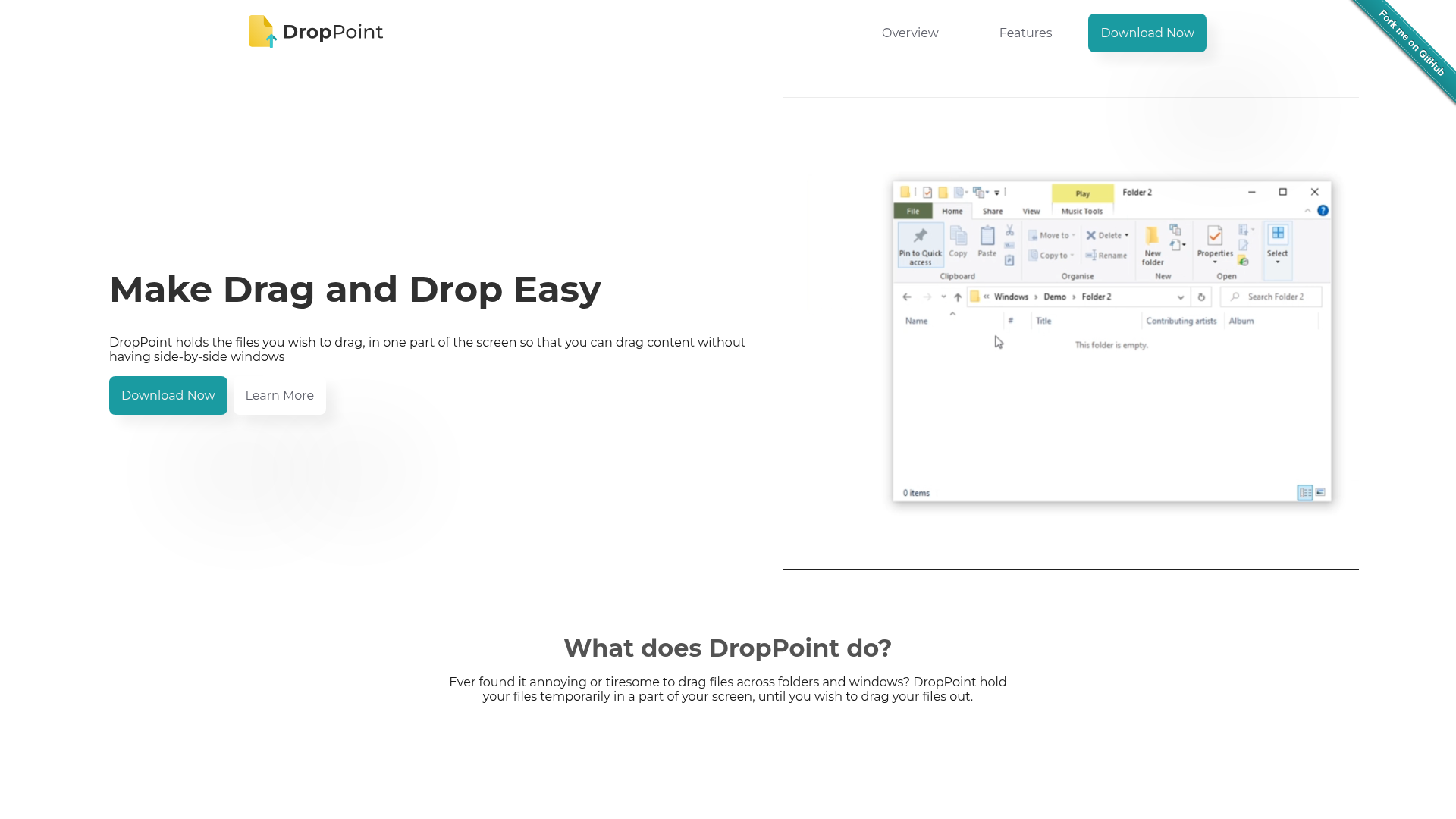
DropPoint is a lightweight utility designed to simplify file management across multiple windows and virtual desktops. The application creates a temporary holding area on screen where users can drop files, then drag them out to any destination without needing side-by-side folder windows. It supports Windows macOS and Linux making it a versatile choice for users who work across different operating systems.
The core feature set includes a global hotkey for instant access Shift plus Caps Lock on Windows and Linux or Shift plus Tab on macOS. DropPoint minimizes to the system tray by default and a double click on the tray icon launches a new instance. Users can drag files into DropPoint on one virtual desktop and retrieve them on another streamlining workflows that span multiple workspaces.
This tool targets anyone who frequently moves files between folders applications or monitors including developers designers office workers and power users. By eliminating the need to arrange windows side by side DropPoint reduces friction in common copy and move operations. The interface is minimal and purpose built focusing on the single task of temporary file staging.
Getting started is straightforward visitors download the appropriate installer for their platform run it and begin using the hotkey immediately. No account creation or configuration is required. The project is open source with the code hosted on GitHub inviting contributions and transparency.
What makes DropPoint notable is its cross platform consistency and focus on a specific pain point rather than trying to be a full file manager. It fills a niche between the clipboard and traditional file explorers offering a simple solution for a repetitive daily task.
This description was generated by AI from the site's public content and may contain errors.
What you can do there
- Download Windows installer
- Download macOS installer
- Download Linux installer
- View source code on GitHub
- Learn keyboard shortcuts and usage
Who it's for
Power users developers designers and anyone who moves files between windows or workspaces daily
Frequently asked questions about droppoint.netlify.app
›What platforms does DropPoint support
DropPoint runs on Windows macOS and Linux providing a consistent experience across all three major desktop operating systems.
›How do I open DropPoint quickly
Press Shift plus Caps Lock on Windows or Linux or Shift plus Tab on macOS to launch an instance from anywhere.
›Can I access files across virtual desktops
Yes files dropped into DropPoint on one virtual desktop or workspace remain accessible when you switch to another.
›Does DropPoint install as a background service
It minimizes to the system tray by default and runs quietly until summoned by the hotkey or tray icon.
›Is the source code available
The project is open source and the repository is linked from the site for inspection contribution or self hosting.
›Do I need to create an account to use DropPoint
No account or sign in is required simply download the installer for your platform and start using it.