
Empire Drive Uploader
Google Drive uploader with folder cloning and bulk management features
 Lovable
What it is
Empire Drive Uploader is a web-based application that accelerates file transfers to Google Drive. The service targets individuals and teams who regularly move large volumes of data and need faster upload speeds than the standard web interface provides. It positions itself as a professional-grade uploader with both free and paid tiers.
Core features include ultra-fast uploads that claim up to 1000x speed improvements for Pro users, folder cloning that replicates entire directory structures with subfolders intact, and batch processing for simultaneous multi-file uploads. The platform also offers document listing and organization tools, bulk deletion for storage cleanup, and encrypted transfer for security. These capabilities address common pain points like slow browser uploads, manual folder recreation, and duplicate file accumulation.
The tool serves content creators, businesses with heavy Drive usage, and anyone managing large media libraries or project archives. Getting started involves connecting a Google account, selecting files or folders, and initiating the transfer through the web dashboard. The interface emphasizes a queue system that manages concurrent uploads without user intervention.
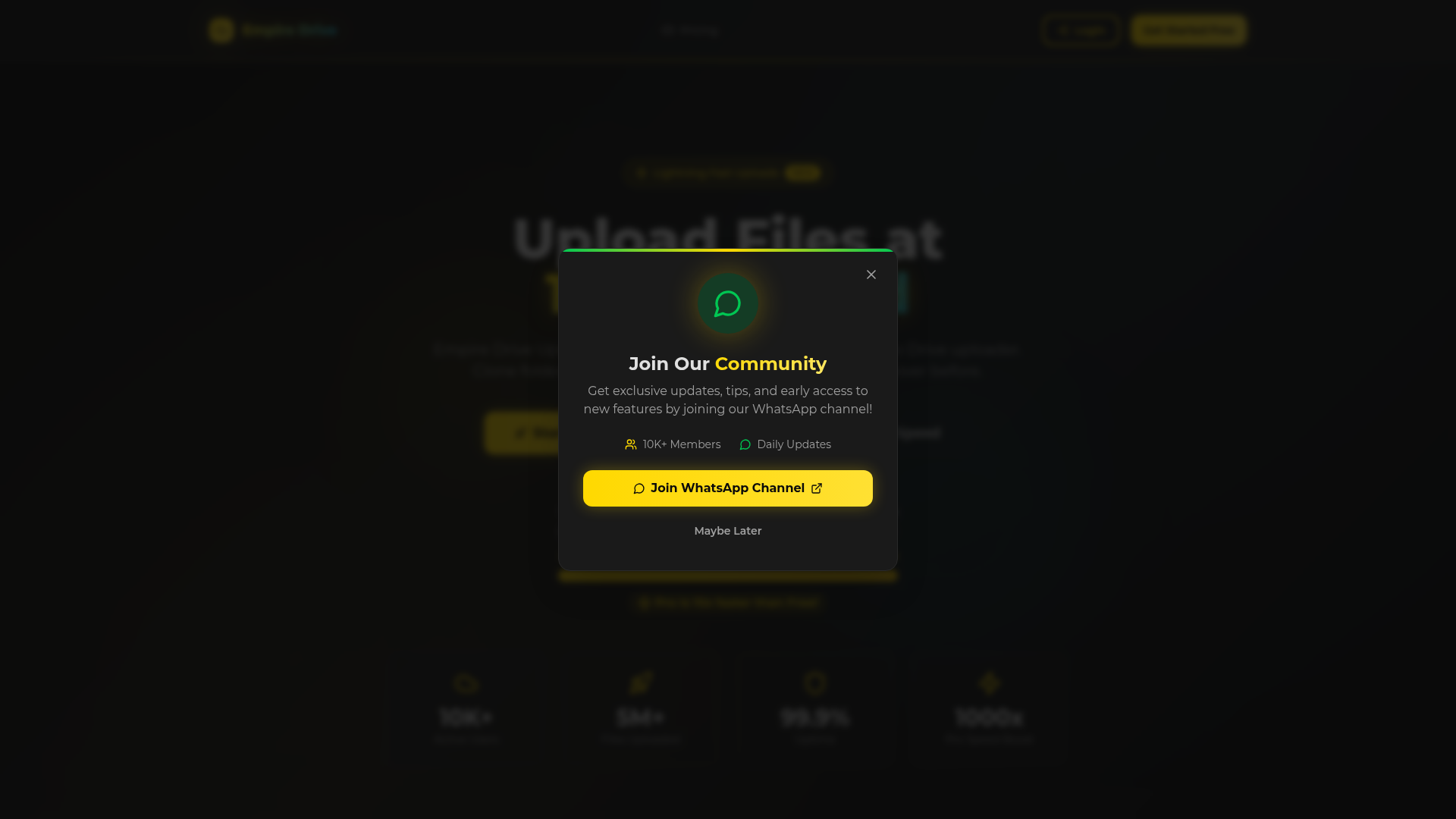
Notable aspects include a reported user base of over 10,000 active accounts and five million files processed, suggesting established traction. Support channels feature a WhatsApp community and email assistance. The service operates on a freemium model with a $9.99 monthly Pro subscription unlocking the highest speed tier and unlimited features.
For users searching for Google Drive upload accelerator, folder clone tool, or bulk file management solutions, this platform combines speed optimization with organizational utilities in a single workflow.
This description was generated by AI from the site's public content and may contain errors.
What you can do there
- Upload files to Google Drive at accelerated speeds
- Clone entire folder structures with subfolders
- Process multiple files simultaneously via batch queue
- List and organize documents in a unified dashboard
- Bulk delete duplicate or unwanted files
Who it's for
Content creators, businesses, and power users managing large Google Drive libraries
Frequently asked questions about driveuploaderpro.lovable.app
›How does the upload speed compare to Google Drive's default uploader?
The service claims up to 1000x faster uploads for Pro users and 100x for free users, though actual speeds depend on network conditions and file types.
›Can I clone entire folder structures including subfolders?
Yes, the folder cloning feature replicates complete directory trees with all nested files and subfolders in a single operation.
›Is there a limit on file size or number of files per upload?
The platform supports batch processing for multiple simultaneous uploads, but specific file size limits are not stated on the landing page.
›How secure are file transfers through this service?
Files are encrypted during transfer and sent directly to your Google Drive, with no intermediate storage on the service's servers.
›What support options are available if I encounter issues?
Support includes a WhatsApp community channel and email support for technical questions and account assistance.
›Does the free tier include folder cloning and batch uploads?
The free tier provides 100x speed and core features, while Pro unlocks 1000x speed and unlimited usage across all tools.
›Can I manage and delete duplicate files within Google Drive?
Yes, the bulk delete feature helps identify and remove duplicate files to optimize storage usage.