
Click Docs Zh Cn
Chinese documentation for the Click Python CLI library
 ReadtheDocs
What it is
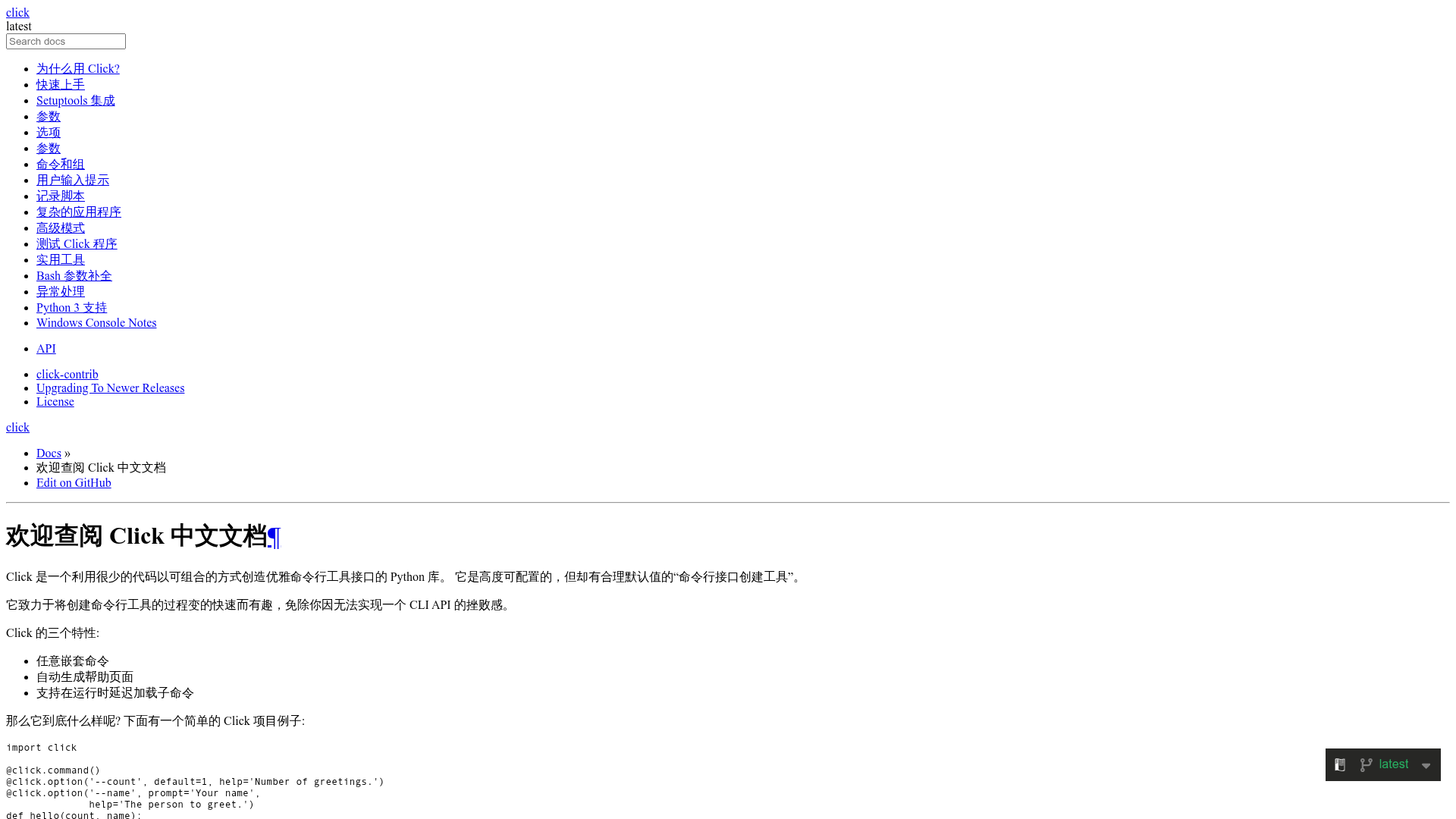
This site hosts the official Chinese documentation for Click, a popular Python library designed to create elegant command-line interfaces with minimal code. The documentation covers every aspect of the library from basic concepts to advanced patterns, making it a comprehensive resource for developers building CLI applications in Python.
The content is organized into clear sections including a quick start guide, detailed explanations of parameters and options, command and group structures, user input prompting, testing utilities, and advanced features like Bash completion and exception handling. Each topic includes practical code examples showing real-world usage patterns.
Developers can explore the API reference for specific functions, classes, and methods, along with upgrade guides for migrating between major versions. The site also documents Click's integration with setuptools for packaging command-line tools, and provides guidance on handling Unicode, Windows console quirks, and Python 2 and 3 compatibility.
As a Read the Docs hosted project, the documentation benefits from versioned builds, full-text search, and multiple export formats including PDF, HTML, and EPUB. The project is actively maintained with the latest version reflecting current best practices for CLI development in the Python ecosystem.
This resource serves both beginners learning to build their first command-line tool and experienced developers implementing complex nested command structures, making it an essential reference for anyone working with Click in a Chinese-speaking context.
This description was generated by AI from the site's public content and may contain errors.
What you can do there
- Read complete Click documentation in Chinese
- Learn CLI development with practical examples
- Browse versioned API reference
- Access upgrade and migration guides
- Download documentation in multiple formats
Who it's for
Python developers building command-line interfaces
Frequently asked questions about click-docs-zh-cn.readthedocs.io
›What is Click and why should I use it?
Click is a Python library for creating command-line interfaces that offers composable commands, automatic help generation, and lazy loading of subcommands with sensible defaults.
›How do I install Click in my Python project?
Install Click using pip with the command pip install click, then import it in your Python scripts to start building command-line tools.
›Does Click support Python 3 and Windows?
Yes, Click provides full Python 3 support with specific notes on Windows console handling, Unicode arguments, and input/output encoding considerations.
›Can I test Click applications automatically?
The documentation includes a testing section covering basic testing, filesystem isolation, and input stream simulation for reliable CLI testing.
›How does Click handle nested commands and groups?
Click supports arbitrary command nesting through command groups, allowing multi-level CLI structures with shared context and callback chaining.
›Is there support for Bash tab completion?
Click includes built-in Bash completion support with activation scripts and customizable completion behavior for commands and options.
›Where can I find upgrade guides for newer Click versions?
The documentation provides dedicated upgrade pages for major releases including versions 3.2 and 2.0 with migration instructions.