
Certbot Dns Luadns
Certbot DNS plugin for automating Let's Encrypt certificates via LuaDNS API
 ReadtheDocs
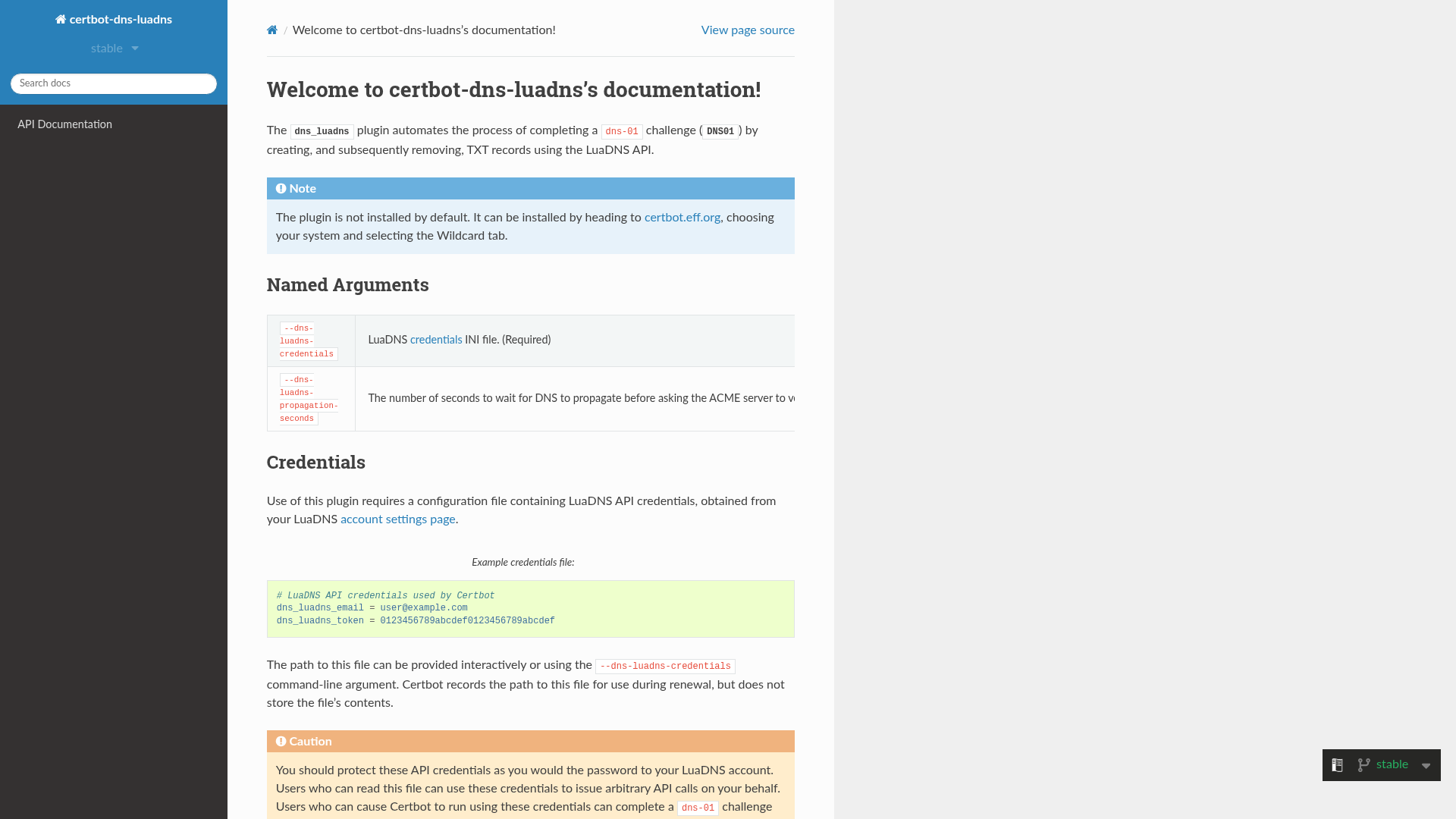
What it is
The certbot-dns-luadns documentation site provides comprehensive guidance for the Certbot DNS plugin that integrates with LuaDNS. This plugin enables automated completion of DNS-01 challenges required for Let's Encrypt certificate issuance by creating and removing TXT records through the LuaDNS API. The documentation is hosted on Read the Docs and built with Sphinx, offering a stable reference for system administrators and developers.
Key features include automatic DNS record management for domain validation, support for wildcard certificates, and configurable propagation delays. The plugin requires a credentials file containing LuaDNS API email and token, which can be specified via command line or interactively. Security warnings alert users when credential file permissions are too permissive, helping prevent unauthorized API access. The default propagation wait time is thirty seconds but can be adjusted for slower DNS environments.
This documentation serves system administrators, DevOps engineers, and domain owners who use LuaDNS as their DNS provider and need automated Let's Encrypt certificate management. It eliminates manual DNS record creation for certificate challenges, streamlining the renewal process for both single domains and multiple subdomains. The plugin is particularly valuable for environments where HTTP-01 challenges are impractical due to network restrictions or load balancer configurations.
Getting started involves installing the plugin through the Certbot website by selecting the Wildcard tab for your operating system. Users must create an INI credentials file with their LuaDNS account email and API token, then reference it using the dns-luadns-credentials argument. The documentation provides clear command examples for common scenarios including single domain certificates, multi-domain certificates, and custom propagation timing. All configuration options are explained with practical syntax.
As an official Certbot plugin maintained by the Certbot Project, certbot-dns-luadns offers reliable integration with the Let's Encrypt ecosystem. The documentation emphasizes credential security best practices and provides troubleshooting guidance for permission warnings. Its presence on Read the Docs ensures versioned, searchable documentation that stays current with plugin updates. The tool fills a specific niche for LuaDNS users seeking fully automated certificate lifecycle management without manual DNS intervention.
This description was generated by AI from the site's public content and may contain errors.
What you can do there
- Read plugin documentation and API reference
- Learn installation steps for your operating system
- View credential configuration examples
- See certificate acquisition command examples
- Understand security best practices for API credentials
Who it's for
System administrators and DevOps engineers managing Let's Encrypt certificates with LuaDNS
Frequently asked questions about certbot-dns-luadns.readthedocs.io
›What is certbot-dns-luadns used for?
It automates DNS-01 challenges for Let's Encrypt certificates by managing TXT records through the LuaDNS API.
›How do I install the certbot-dns-luadns plugin?
Visit certbot.eff.org, choose your system, and select the Wildcard tab for installation instructions.
›What credentials are required for the plugin?
You need a LuaDNS account email and API token stored in an INI credentials file.
›How do I configure the credentials file?
Create a file with dns_luadns_email and dns_luadns_token fields, then reference it with the dns-luadns-credentials argument.
›Can I adjust the DNS propagation wait time?
Yes, use the dns-luadns-propagation-seconds argument to set a custom delay in seconds.
›Does the plugin support wildcard certificates?
Yes, it is designed for wildcard certificate acquisition through DNS-01 validation.
›How does the plugin handle credential security?
Certbot warns if the credentials file has unsafe permissions and recommends restricting access with chmod 600.