
CAMeL Tools
Open-source Arabic NLP toolkit with command-line tools and Python API for morphology tokenization and dialect identification
 ReadtheDocs
What it is
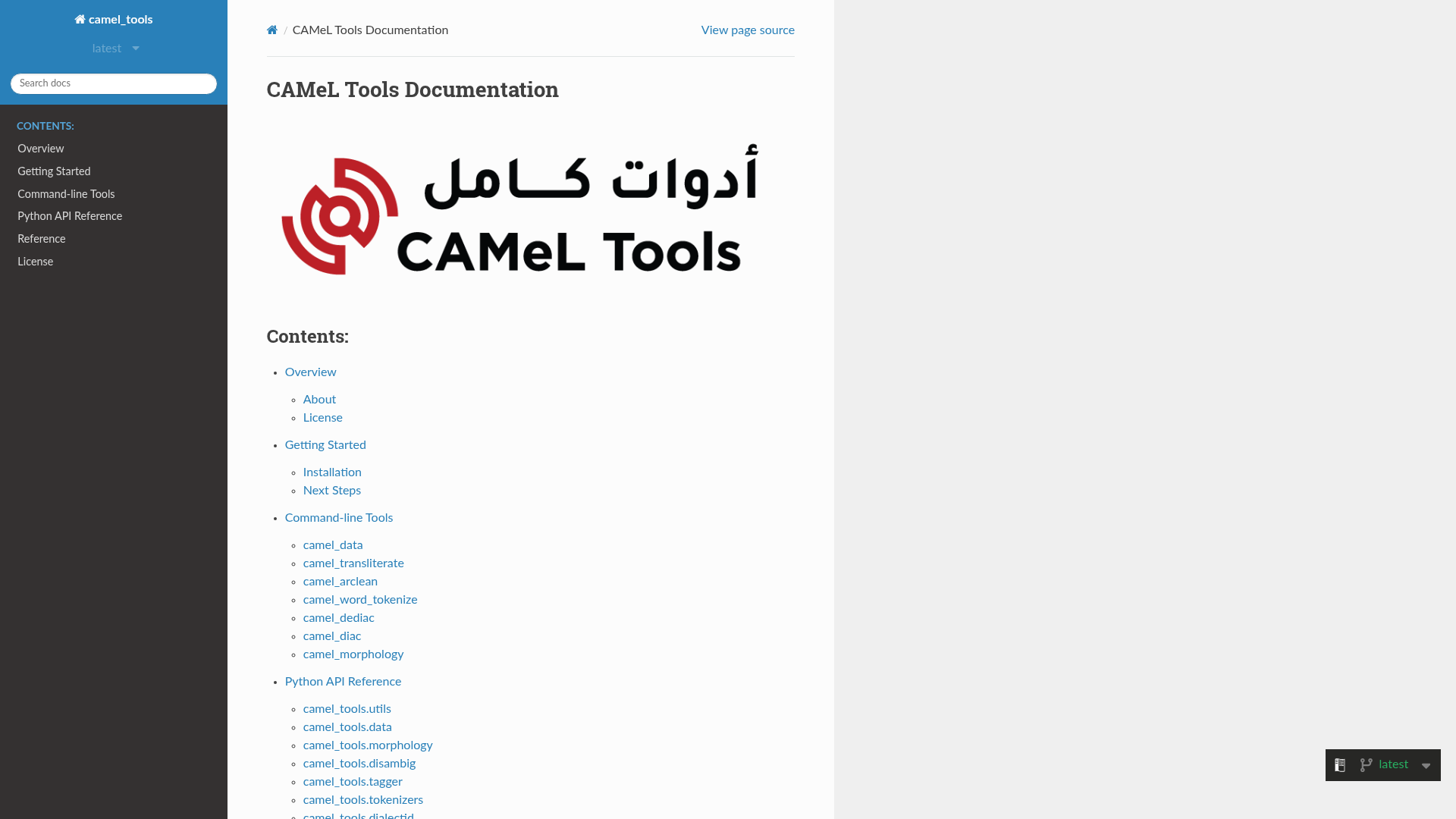
CAMeL Tools is an open-source toolkit for Arabic natural language processing developed by New York University Abu Dhabi. The documentation site provides comprehensive guides for researchers and developers working with Arabic text analysis offering both command-line utilities and a Python API for morphological analysis tokenization dialect identification sentiment analysis and named entity recognition.
The toolkit includes seven command-line tools for common Arabic NLP tasks: transliteration text cleaning word tokenization diacritization and dediacritization and morphological analysis. The Python API organizes functionality into specialized modules covering utilities data handling morphology disambiguation part-of-speech tagging tokenization dialect identification sentiment analysis and named entity recognition. Reference materials document encoding schemes morphology features database packages and post-installation configuration.
The project serves computational linguists NLP researchers and software engineers building Arabic language applications. Academic teams use it for linguistic research and corpus processing while industry developers integrate its components into search engines chatbots machine translation systems and social media analytics platforms targeting Arabic-speaking markets.
Getting started involves installing the package via pip and downloading required morphological databases through the camel_data utility. The documentation walks through installation steps basic usage examples for each command-line tool and API reference with code samples. Versioned releases from 1.0.0 through 1.6.0 are maintained with stable and latest branches for production and development workflows.
Notable aspects include its focus on Arabic-specific linguistic challenges such as rich morphology dialectal variation and orthographic ambiguity. The toolkit implements the CALIMA-Star morphological analyzer and supports multiple dialect identification models. Hosted on Read the Docs with Sphinx-generated documentation it provides a mature well-maintained resource backed by academic research from NYU Abu Dhabi's CAMeL Lab.
This description was generated by AI from the site's public content and may contain errors.
What you can do there
- Access command-line tools for Arabic text processing
- Use Python API for morphological analysis and tokenization
- Download morphological databases and models
- Browse versioned documentation and API reference
- Learn about Arabic NLP encoding schemes and features
Who it's for
NLP researchers computational linguists developers building Arabic language applications
Frequently asked questions about camel-tools.readthedocs.io
›What is CAMeL Tools used for
CAMeL Tools is used for Arabic natural language processing tasks including morphological analysis tokenization dialect identification sentiment analysis and named entity recognition.
›How do I install CAMeL Tools
Install the package via pip then use the camel_data command-line utility to download the required morphological databases and models for your use case.
›What command-line tools are included
The toolkit provides camel_data camel_transliterate camel_arclean camel_word_tokenize camel_dediac camel_diac and camel_morphology for various Arabic text processing tasks.
›Does it support Arabic dialects
Yes the camel_dialectid module provides dialect identification models for multiple Arabic dialects making it suitable for region-specific applications.
›Is there a Python API available
Yes a full Python API is provided with modules for morphology tagging tokenization disambiguation sentiment analysis named entity recognition and dialect identification.
›What license governs CAMeL Tools
The project is released under an open-source license with copyright held by New York University Abu Dhabi from 2018 to 2026.
›Where can I find morphological databases
Morphological databases are downloaded post-installation using the camel_data command-line tool which fetches the required data packages for analysis tasks.