
Cabal
Official documentation for Cabal the Haskell package manager and build tool
 ReadtheDocs
What it is
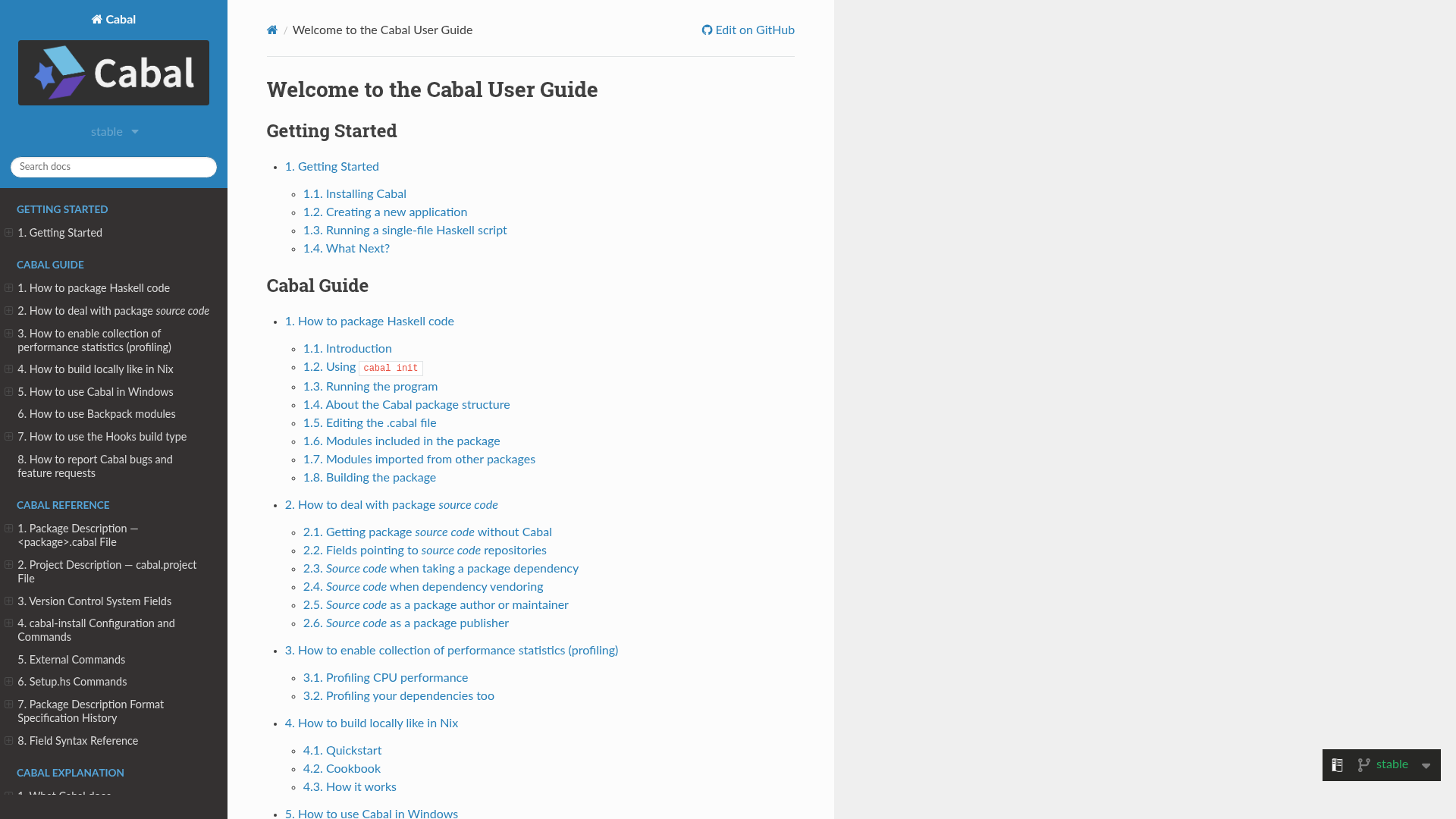
Cabal.readthedocs.io hosts the official documentation for Cabal the Haskell package manager and build tool. The site provides versioned documentation covering all major releases from Cabal 3.18 down to 2.0 with a complete table of contents for getting started guides and reference material.
The documentation is organized into three main sections. The Getting Started guide walks through installing Cabal creating new applications initializing projects adding dependencies and running single file Haskell scripts. The Cabal Guide covers packaging Haskell code dealing with source code enabling profiling building locally like Nix using Cabal on Windows working with Backpack modules and using the Hooks build type. The Cabal Reference provides exhaustive details on package description files project configuration files version control system fields cabal-install commands and Setup.hs commands.
Haskell developers package authors and maintainers will find this resource essential for learning Cabal workflows troubleshooting build issues and understanding advanced features like dependency vendoring conditional compilation and custom setup scripts. The site serves both beginners learning the basics and experienced users needing detailed command reference or configuration options.
To get started visitors can follow the installing Cabal guide then proceed to creating a new application which covers initialization dependency management and running scripts. The documentation includes practical examples for common tasks such as profiling CPU performance setting up reproducible dependency versions and configuring projects for Windows environments.
Notable features include comprehensive command documentation for every cabal-install subcommand detailed explanation of .cabal file fields and cabal.project configuration options plus guidance on reporting bugs and contributing to Cabal development. The versioned documentation ensures users can access guides matching their installed Cabal version.
This description was generated by AI from the site's public content and may contain errors.
What you can do there
- Read versioned getting started guides
- Browse complete package description reference
- Learn all cabal-install commands and flags
- Configure projects with cabal.project files
- Troubleshoot builds and dependency issues
Who it's for
Haskell developers and package maintainers
Frequently asked questions about cabal.readthedocs.io
›What is Cabal and what does this documentation cover
Cabal is the standard package manager and build tool for Haskell. This documentation covers installation project creation package development dependency management profiling Windows usage and complete command reference for all supported versions.
›How do I install Cabal and create a new Haskell project
The Getting Started section provides step by step instructions for installing Cabal initializing applications adding dependencies and running single file scripts. Follow the installing Cabal guide then the creating a new application tutorial.
›Where can I find reference for .cabal file fields and cabal.project configuration
The Cabal Reference section contains exhaustive documentation for package description files including all fields for libraries executables test suites benchmarks and conditional blocks plus complete cabal.project configuration options.
›Does the documentation cover Cabal usage on Windows
Yes there is a dedicated guide for using Cabal on Windows covering Haskell environment installation MSYS2 setup tool discovery system library configuration and complete configuration steps.
›How can I profile my Haskell application using Cabal
The Cabal Guide includes a section on enabling performance statistics collection with instructions for CPU profiling and profiling dependencies. The cookbook also provides practical profiling examples.
›Where do I report bugs or request features for Cabal
The documentation includes a section on how to report Cabal bugs and feature requests with links to the appropriate issue trackers and contribution guidelines.