
Aws Step Functions Data Science Sdk
Open source Python SDK for building ML workflows with AWS Step Functions and SageMaker
 ReadtheDocs
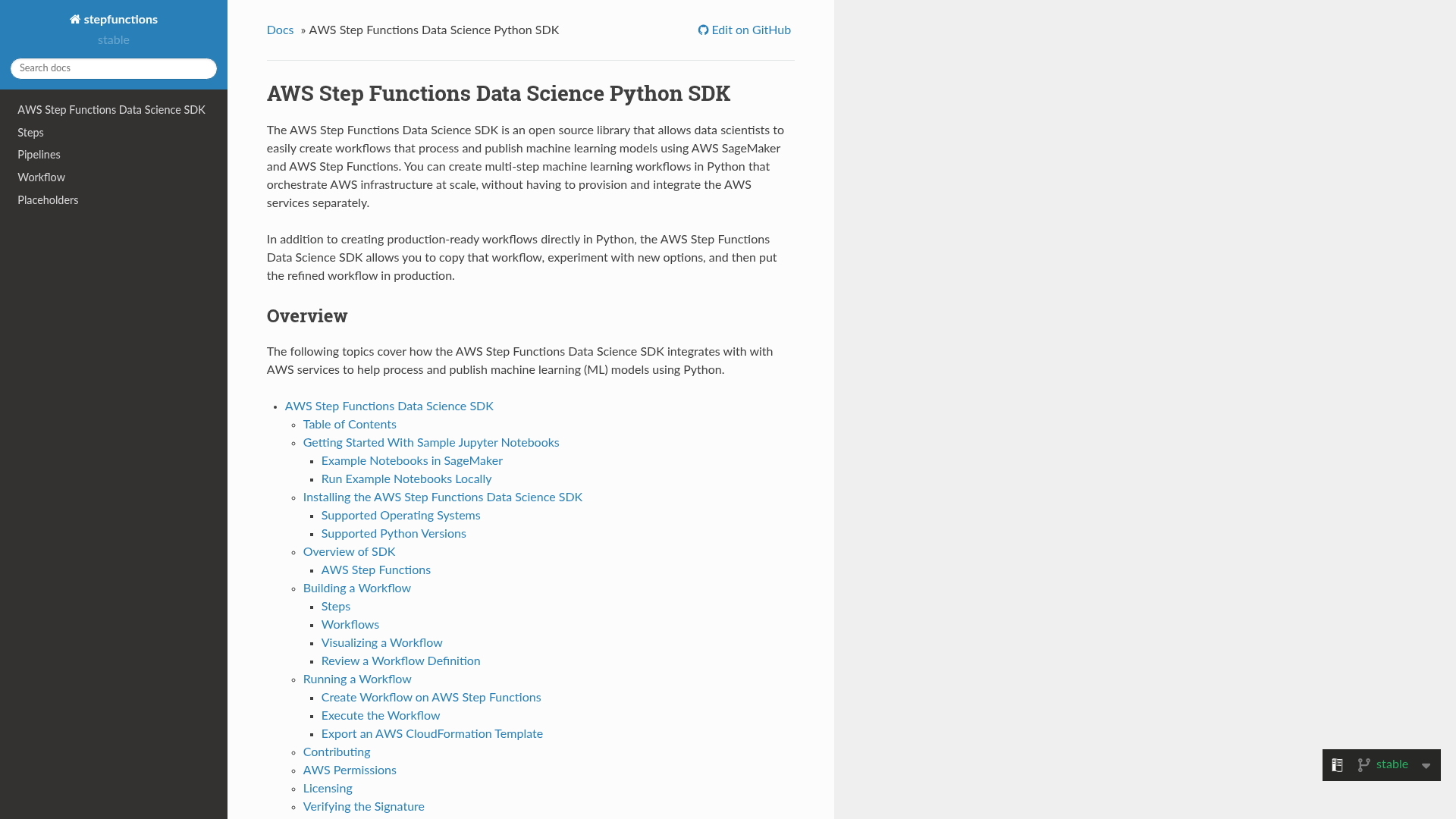
What it is
Hosted on Read the Docs with stable and latest version tracking, the documentation serves as a complete reference for teams implementing ML operations on AWS. Search functionality and versioned builds facilitate finding relevant examples for specific SDK releases.
This description was generated by AI from the site's public content and may contain errors.
What you can do there
- Build ML workflows in Python using AWS Step Functions and SageMaker
- Visualize and review workflow definitions before deployment
- Run example Jupyter notebooks locally or in SageMaker
- Export workflows as CloudFormation templates for IaC
- Access versioned API documentation for multiple SDK releases
Who it's for
Data scientists and ML engineers building production ML pipelines on AWS
Frequently asked questions about aws-step-functions-data-science-sdk.readthedocs.io
›What is the AWS Step Functions Data Science SDK used for?
It is used to create and orchestrate multi-step machine learning workflows in Python using AWS Step Functions and SageMaker without manually provisioning each service.
›Which AWS services does the SDK integrate with?
The SDK integrates with SageMaker, DynamoDB, EKS, EMR, EventBridge, Glue DataBrew, SNS, SQS, and other AWS services for building comprehensive ML pipelines.
›Can I run the example notebooks locally or only in SageMaker?
The documentation provides instructions for running example Jupyter notebooks both locally and within Amazon SageMaker environments.
›Does the SDK support exporting workflows as CloudFormation templates?
Yes, the SDK includes functionality to export workflow definitions as AWS CloudFormation templates for infrastructure as code deployments.
›What Python versions are supported by the SDK?
The documentation lists supported Python versions in the installation section, typically covering recent Python 3.x releases compatible with AWS SDKs.
›Is the SDK open source and can I contribute to it?
Yes, it is an open source library with contribution guidelines, licensing information, and package verification instructions available in the documentation.
›How do I visualize a workflow created with the SDK?
The SDK provides workflow visualization tools that allow you to review and inspect workflow definitions graphically before execution.