
AutoPik
Chrome extension that bulk-generates and auto-downloads AI images from Freepik Pikaso using prompt lists.
 FireBase
What it is
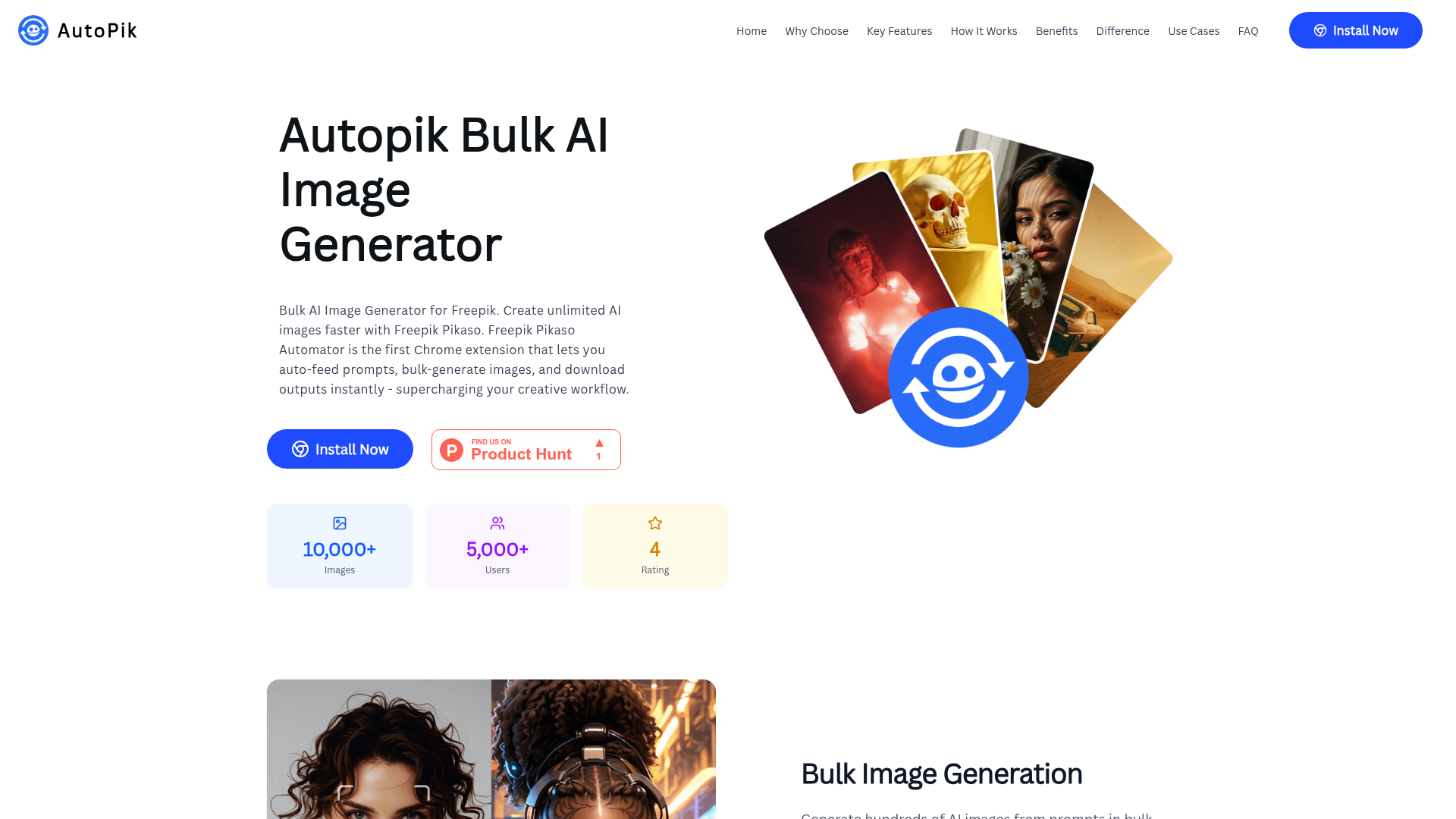
AutoPik is a Chrome extension designed to automate the creation of large volumes of AI‑generated images through Freepik Pikaso. Users can feed unlimited text prompts into the tool, which then processes them in batches and saves the results directly to the local device without manual clicking.
The extension provides bulk image generation, one‑click auto‑download, configurable style and dimension settings, and a prompt queue that can handle hundreds of entries. It integrates tightly with the Freepik Pikaso engine, allowing creators to scale visual production up to ten times faster than manual workflows.
The primary users are stock media contributors, graphic designers, social media managers, marketing agencies, e‑commerce sellers, bloggers, educators and artists who need consistent, high‑quality visuals in large quantities. By removing repetitive manual steps, the tool helps these professionals expand portfolios, accelerate content calendars and lower production costs.
Getting started involves installing the Chrome extension, importing or writing a list of prompts with optional parameters, configuring generation preferences such as style and output format, and then launching the batch process. The extension runs in the background and automatically exports the finished images to a chosen folder.
What makes AutoPik notable is its focus on prompt automation and mass download combined with a simple set‑and‑forget interface. It addresses a common bottleneck for AI‑assisted creators who otherwise spend hours clicking through single‑image generations, offering a practical productivity boost for anyone working with Freepik Pikaso.
This description was generated by AI from the site's public content and may contain errors.
What you can do there
- Install Chrome extension
- Import or create prompt lists
- Configure generation preferences
- Bulk generate AI images
- Auto-download generated images
Who it's for
Stock media contributors, designers, marketers, e-commerce sellers, and content creators who need bulk AI images.
Frequently asked questions about autopik.web.app
›Do I need a Freepik Pikaso account to use AutoPik?
Yes, the extension works with your existing Freepik Pikaso account to generate images.
›How many images can I generate in a single batch?
The tool supports unlimited prompts, allowing you to queue and generate hundreds of images at once.
›Can the generated images be used commercially?
Commercial usage follows Freepik Pikaso's licensing terms; typically the images can be used for commercial projects.
›Do I need design skills to operate the extension?
No design expertise is required; the extension handles the technical generation process automatically.
›How do I install the AutoPik Chrome extension?
Visit the Chrome Web Store link on the site, click Add to Chrome, and follow the installation prompts.
›Is there a limit on the number of prompts I can queue?
The extension does not impose a hard limit; you can add as many prompts as your workflow requires.