
AssimpKit
An open-source library for iOS and macOS developers that converts over 30 3D file formats into Apple Scene Kit scenes.
 ReadtheDocs
What it is
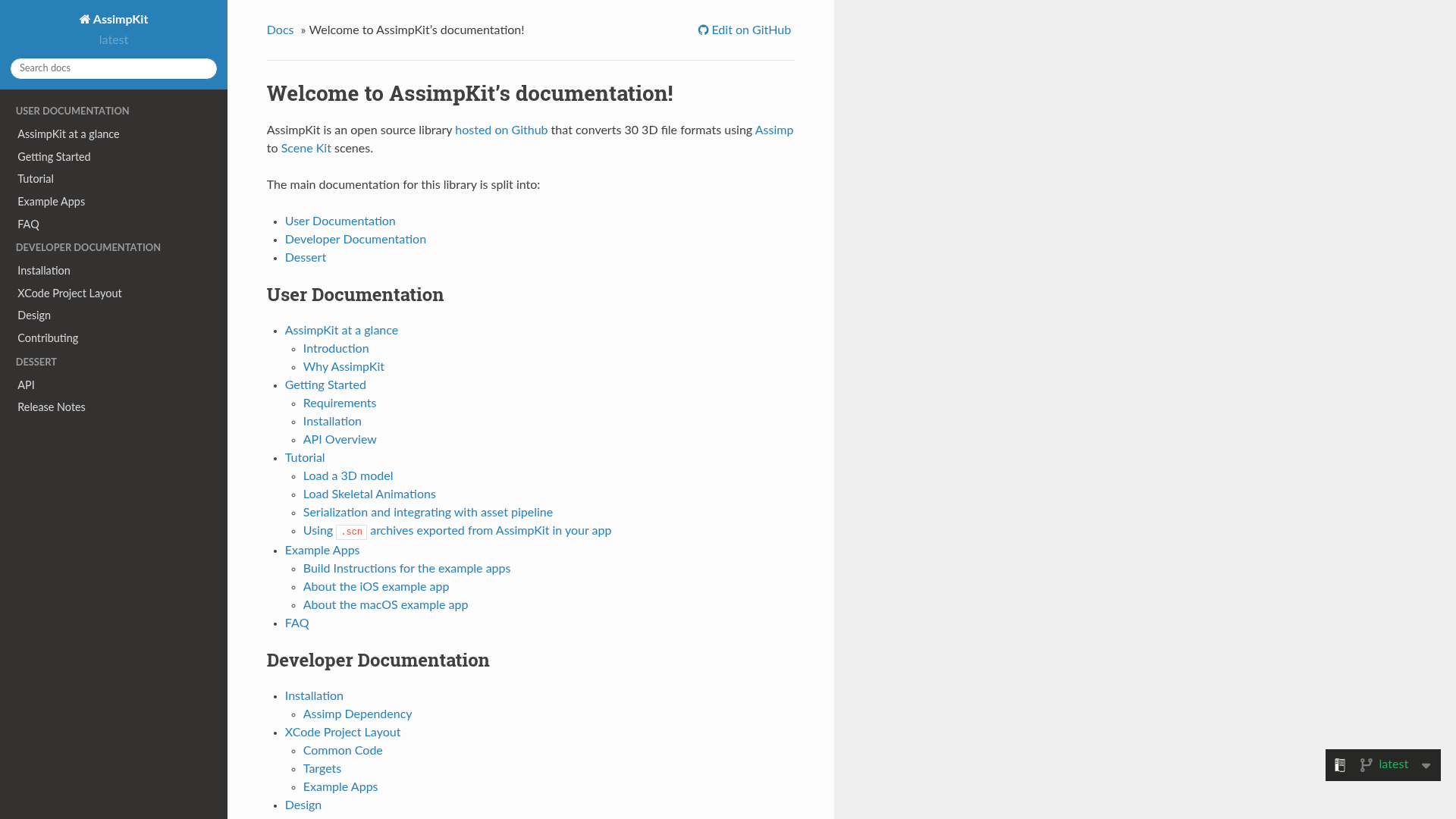
AssimpKit is a developer library that bridges the gap between the popular Open Asset Import Library (Assimp) and Apple's Scene Kit framework. It enables developers working on iOS and macOS applications to easily import a wide variety of 3D model files, including formats like FBX, OBJ, and COLLADA, and convert them directly into native SCNScene objects. This process is essential for building applications with 3D graphics, augmented reality features, and complex animations without having to write extensive custom parsing code.
The library's main features include loading complex 3D models with their full geometry, handling skeletal animations for character movement, and providing serialization options to integrate with an asset pipeline. It also offers the ability to export scenes into .scn archives, which can then be efficiently used within a final application. This functionality is critical for game development, 3D product visualization, and educational apps that rely on detailed 3D assets.
It is primarily designed for software engineers and developers building 3D experiences for Apple's ecosystem. The comprehensive documentation includes getting started guides, API references, tutorials, and example projects for both iOS and macOS. This helps developers quickly understand how to integrate the library into their Xcode projects and start loading 3D models.
What makes AssimpKit notable is its role as a crucial open-source tool that simplifies a complex technical challenge. By leveraging the robust Assimp library, it provides a reliable and tested solution for 3D file conversion, saving developers significant time and effort. The project is hosted on GitHub and its documentation is built with Sphinx, presented on Read the Docs, which is a standard and trusted platform for technical documentation.
The site serves as the central hub for all information related to the library, including detailed developer documentation, release notes for version updates, and frequently asked questions. It is an invaluable resource for any developer looking to incorporate 3D model loading and animation into their Apple platform applications.
This description was generated by AI from the site's public content and may contain errors.
What you can do there
- Access comprehensive library documentation
- Learn how to load 3D models into an app
- Follow tutorials on handling skeletal animations
- Review example iOS and macOS project code
- Read the API reference for integration
Who it's for
iOS and macOS developers building apps with 3D graphics and animations
Frequently asked questions about assimpkit.readthedocs.io
›What 3D file formats does AssimpKit support?
AssimpKit supports over 30 different 3D file formats by leveraging the Open Asset Import Library (Assimp), including common formats like FBX, OBJ, DAE, and 3DS.
›How do I install AssimpKit in my Xcode project?
The documentation provides detailed installation instructions, including how to handle the Assimp dependency and integrate the library into your Xcode project layout.
›Can AssimpKit handle skeletal animations for 3D characters?
Yes, one of its key features is loading and managing skeletal animations from 3D model files, which are then converted for use in Scene Kit.
›Are there example apps available to see how it works?
Yes, the project includes example apps for both iOS and macOS with build instructions to help developers see the library in action.
›Is AssimpKit free to use?
Yes, AssimpKit is an open source library hosted on GitHub, making it free for developers to use in their projects.
›How does the conversion process to a Scene Kit scene work?
The process involves multiple passes to generate the scene graph geometry, process skeletal animations, and finally create native SCNScene instances.
›Where can I find the API documentation?
Full API documentation, referred to as the Dessert API, is available within the site's developer documentation section.