
Aqtinstall
Command-line tool for installing Qt libraries and modules
 ReadtheDocs
What it is
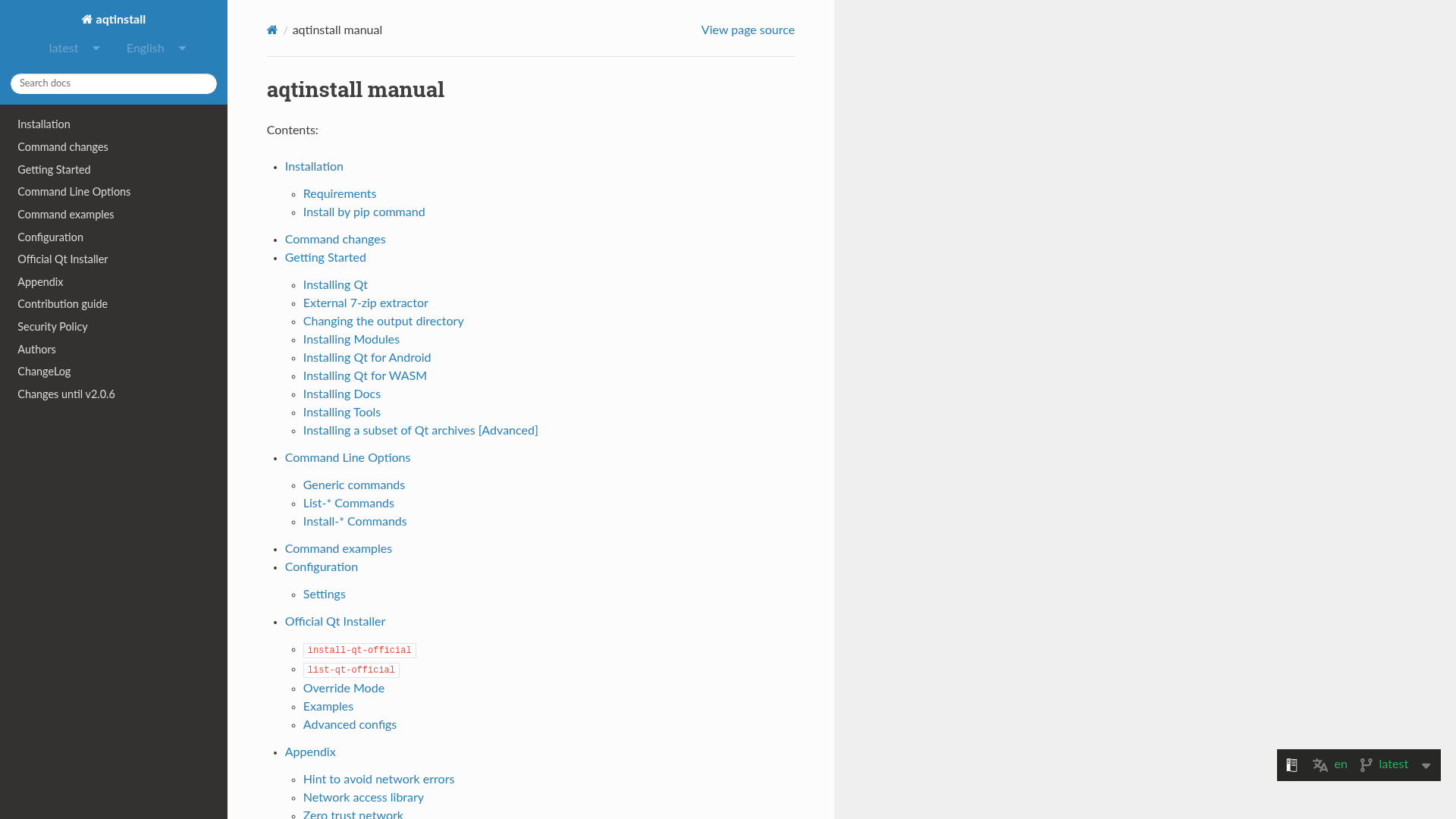
aqtinstall is an open-source command-line utility that simplifies the process of downloading and installing Qt libraries, modules, and tools without requiring the official Qt installer. It supports multiple platforms including Linux, macOS, and Windows, and provides automated installation for Qt versions ranging from legacy releases to the latest stable builds. The tool handles dependency resolution, archive extraction, and component selection through a streamlined interface designed for continuous integration pipelines and automated development environments.
Developers working with the Qt framework use aqtinstall to install specific Qt versions, target platforms such as Android and WebAssembly, documentation sets, and development tools like Qt Creator. The utility offers fine-grained control over which modules and archives to install, reducing disk usage and build times. Configuration files allow teams to standardize Qt provisioning across multiple machines and CI runners, while command-line options support scripting and integration with build systems.
Getting started requires Python and pip, after which the tool can be installed with a single command. Users then invoke the installer by specifying the desired Qt version, host platform, target architecture, and optional modules. The documentation includes extensive examples for common scenarios such as installing Qt for desktop development, cross-compiling for mobile targets, and setting up headless CI environments. A built-in list command helps discover available versions and components before installation.
The project stands out for its zero-trust network support, mirror selection logic, and external 7-zip extractor integration that improves reliability on restricted networks. It is maintained by an active community with regular releases, comprehensive changelogs, and a clear security policy. The documentation is available in English and Japanese, reflecting its international user base. As an open-source alternative to the proprietary Qt online installer, aqtinstall fills a critical niche for developers who need scriptable, reproducible Qt provisioning.
This description was generated by AI from the site's public content and may contain errors.
What you can do there
- Read comprehensive documentation for all commands and options
- Install Qt libraries and modules via command line
- Browse version-specific installation examples
- View changelog and release history
- Contribute patches or report issues
Who it's for
Qt developers, C++ engineers, DevOps engineers, CI/CD maintainers
Frequently asked questions about aqtinstall.readthedocs.io
›What is aqtinstall used for?
aqtinstall is a command-line tool that downloads and installs Qt libraries, modules, and tools without the official Qt graphical installer. It is designed for automation, CI pipelines, and headless environments.
›Which platforms does aqtinstall support?
The tool runs on Linux, macOS, and Windows. It can install Qt for desktop targets as well as cross-compilation targets such as Android and WebAssembly.
›How do I install aqtinstall?
Install it via pip with the command 'pip install aqtinstall'. Python 3.7 or later is required. After installation, the 'aqt' command becomes available in your terminal.
›Can I install only specific Qt modules?
Yes, aqtinstall allows selecting individual modules, archives, and components to minimize download size and installation time. Use the list commands to see available options for a given Qt version.
›Does aqtinstall work in restricted network environments?
The tool includes features for zero-trust networks, configurable mirror selection, and an external 7-zip extractor to handle proxy and firewall constraints common in enterprise CI systems.
›Is aqtinstall officially supported by The Qt Company?
No, aqtinstall is a community-maintained open-source project. It is not affiliated with or endorsed by The Qt Company, though it installs the same official Qt releases.
›Where can I find documentation and examples?
Full documentation with installation guides, command reference, configuration details, and usage examples is hosted on Read the Docs at aqtinstall.readthedocs.io.