
ALocker
ALocker is a mobile app for managing app access and protecting privacy when sharing your device with others.
 FireBase
What it is
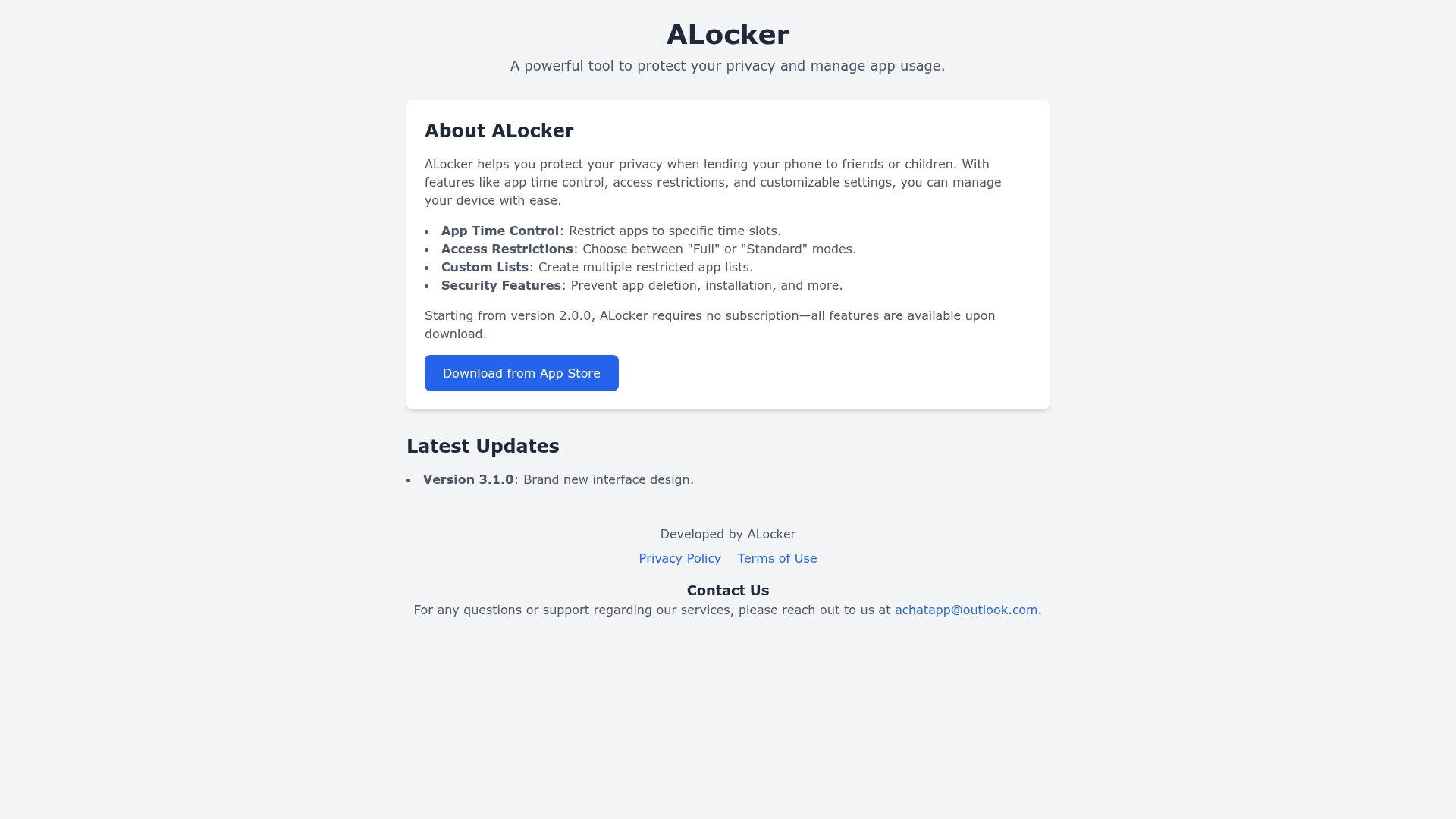
ALocker is a privacy-focused mobile application designed to help users manage and restrict access to their apps. It is particularly useful for individuals who need to lend their phone to friends, family members, or children, providing a secure way to control what others can see and use.
The app offers several key features for comprehensive device management. These include App Time Control, which allows users to restrict specific apps to certain time slots, and Access Restrictions with both 'Full' and 'Standard' modes. Users can also create Custom Lists to manage multiple sets of restricted applications.
Security is a major focus, with features that prevent the deletion or installation of apps, adding an extra layer of protection. The tool is aimed at parents, professionals, and anyone concerned about their digital privacy when handing their device to someone else.
A notable aspect of ALocker is its pricing model. Starting from version 2.0.0, the application requires no subscription and all features are available for free upon download. The latest update, version 3.1.0, introduces a brand new interface design for improved user experience.
This description was generated by AI from the site's public content and may contain errors.
What you can do there
- Download a mobile app for app management
- Restrict app access with time controls
- Create custom lists of restricted apps
- Prevent app deletion and installation
- Use access restriction modes (Full/Standard)
Who it's for
People who share their phones and need to restrict app access for privacy, like parents or professionals.
Frequently asked questions about apppokect.web.app
›What is ALocker used for?
ALocker is used to protect your privacy by restricting access to certain apps when you lend your phone to others, such as friends or children.
›Is ALocker free to use?
Yes, starting from version 2.0.0, ALocker is completely free with no subscription required and all features are available upon download.
›Can I set time limits on apps with ALocker?
Yes, the App Time Control feature allows you to restrict apps to specific time slots.
›What are the different access restriction modes?
ALocker offers 'Full' and 'Standard' modes for access restrictions, though the specific differences between these modes are not detailed on the site.
›Does ALocker prevent apps from being deleted?
Yes, one of its security features includes preventing the deletion and installation of apps.
›How do I contact ALocker support?
You can contact support for any questions by emailing achatapp@outlook.com.
›Where can I download the ALocker app?
ALocker is available for download from the App Store.