
Ansible Builder
Documentation for Ansible Builder, a tool to create containerized Ansible execution environments.
 ReadtheDocs
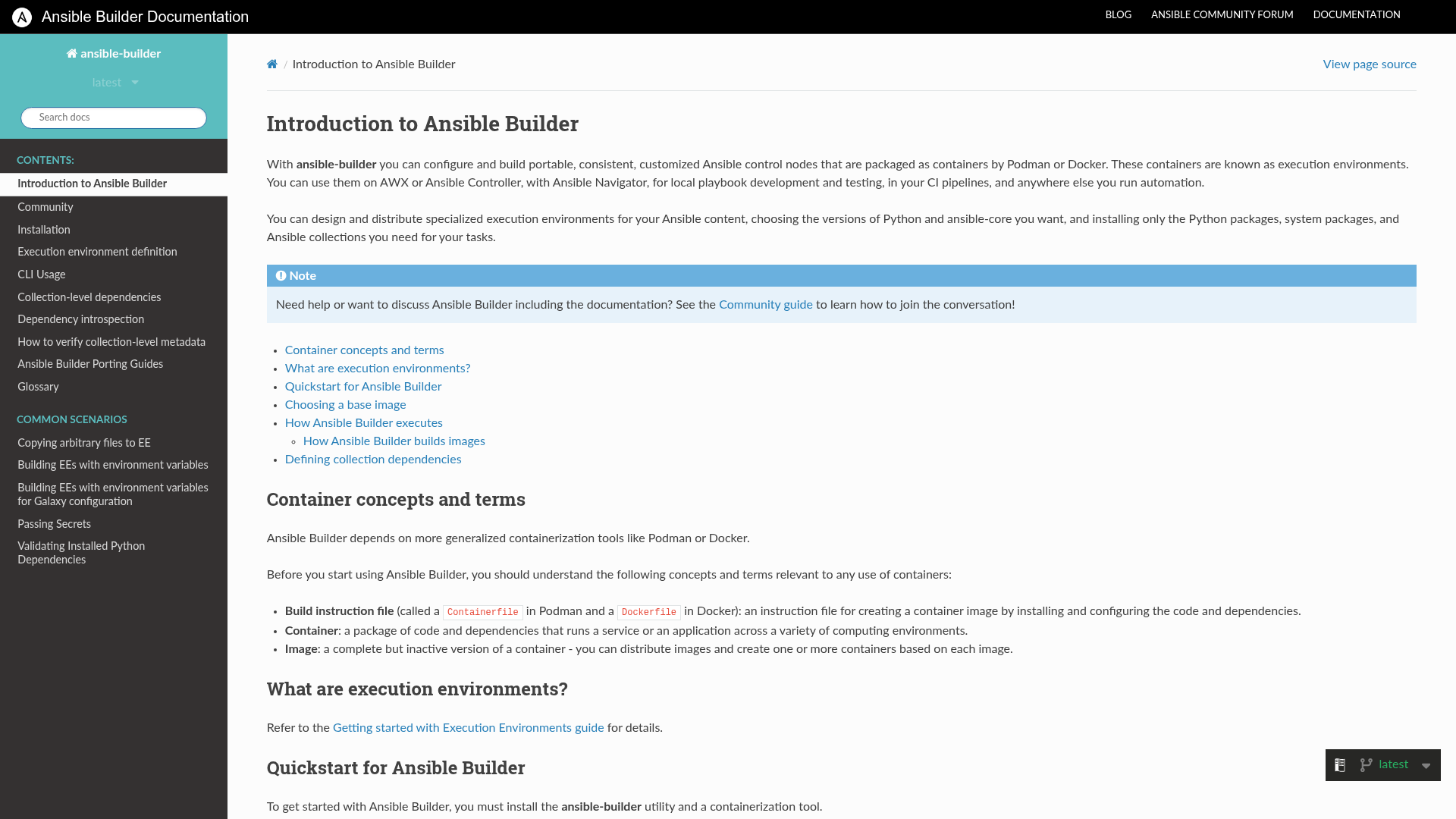
What it is
Ansible Builder is an open source utility that lets automation engineers build portable, consistent execution environments for Ansible. These environments are packaged as container images using Podman or Docker and can run on AWX, Ansible Controller, Ansible Navigator, local development machines, and CI pipelines. The documentation site provides a complete reference for installing the tool, writing execution environment definitions, and managing collection-level dependencies.
The guide covers core concepts such as container terminology, the structure of an execution environment definition file, and the four-stage build process: base image preparation, Galaxy collection retrieval, package installation, and final image assembly. It explains why RPM-based base images with dnf or microdnf are required and lists compatible images like CentOS Stream, Rocky Linux, Fedora, and Red Hat Universal Base Image.
Developers can follow a quickstart that shows how to install ansible-builder, create an execution-environment.yml file, and run the build command. The CLI usage section details the create and build subcommands, while advanced topics include dependency introspection, copying arbitrary files, passing secrets, and validating Python dependencies. Porting guides help users migrate from older versions.
The site serves Ansible users, DevOps engineers, and platform teams who need reproducible control nodes tailored to specific playbooks. By defining exact versions of Python, ansible-core, ansible-runner, collections, system packages, and Python packages, teams avoid drift and ensure consistent automation runs across environments.
Notable features include support for collection-level metadata verification, environment variable injection for Galaxy configuration, and the ability to generate a Containerfile or Dockerfile without building, enabling integration with custom CI workflows. The documentation is hosted on Read the Docs and maintained by the Ansible community.
This description was generated by AI from the site's public content and may contain errors.
What you can do there
- Read full documentation
- Follow quickstart guide
- Learn CLI commands
- Explore porting guides
- Validate collection metadata
Who it's for
Ansible users, DevOps engineers, automation developers
Frequently asked questions about ansible-builder.readthedocs.io
›What is Ansible Builder?
Ansible Builder is a command line tool that creates container images called execution environments for running Ansible automation consistently across platforms.
›How do I install Ansible Builder?
Install the ansible-builder package via pip and ensure Podman or Docker is available on your system.
›What are execution environments?
Execution environments are container images that package a specific Ansible control node with selected Python versions, collections, and system dependencies.
›Which base images are supported?
Only RPM-based images with dnf or microdnf are supported, such as CentOS Stream, Rocky Linux, Fedora, and Red Hat UBI.
›Can I use Debian or Ubuntu base images?
No, non-RPM distributions are not supported and will fail to build because the tooling assumes dnf package management.
›How does the build process work?
The build runs four stages: base image setup, Galaxy collection download, package installation, and final integration into a new container image.
›Where can I get community help?
The Community guide links to forums, chat channels, and mailing lists for discussion and support.