
Afew
Automatic email tagging script for notmuch mail with filter-based organization
 ReadtheDocs
What it is
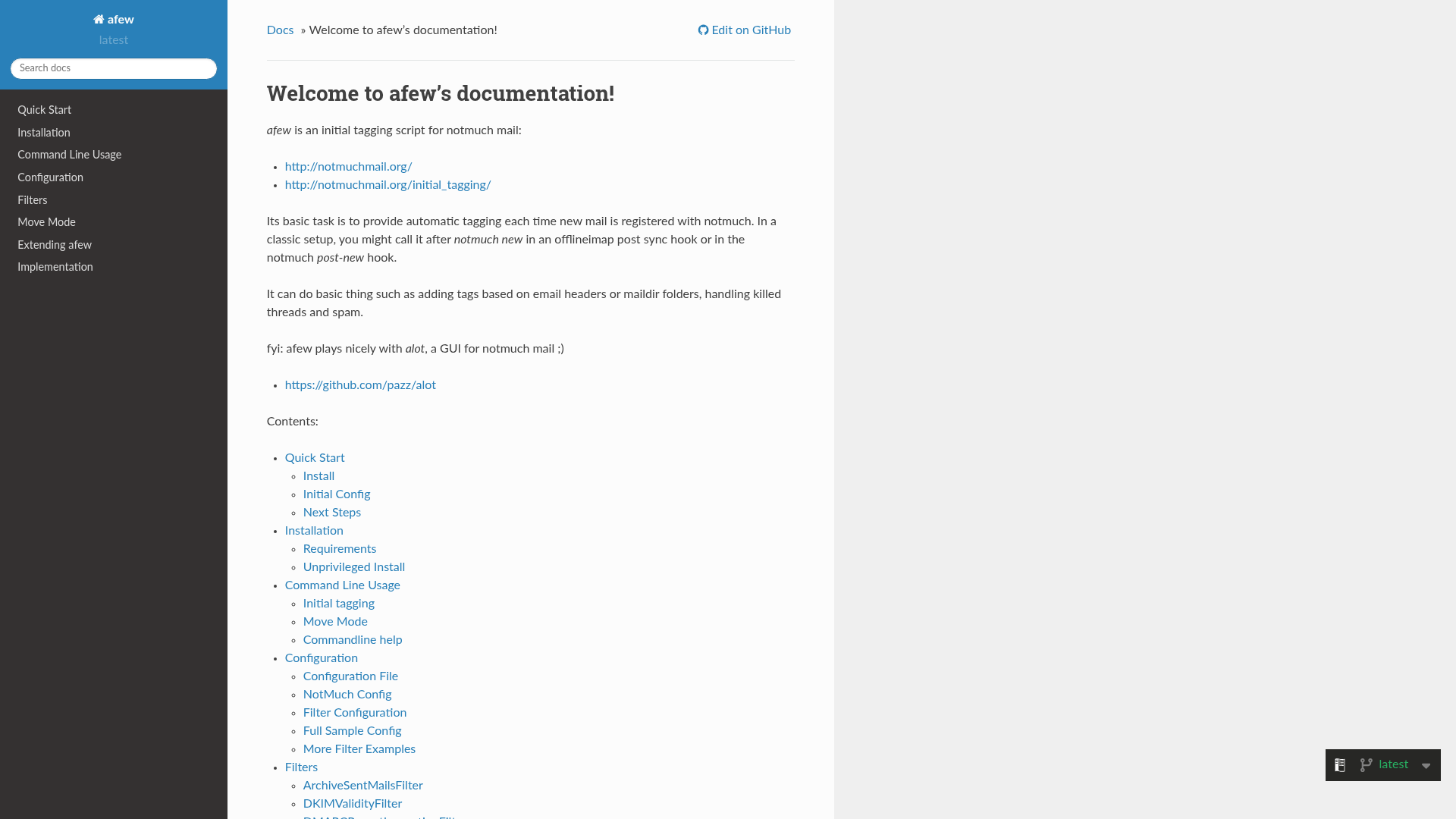
afew is an open source initial tagging script designed for the notmuch mail system. It automatically applies tags to new emails as they are registered with notmuch, helping users organize their inbox without manual effort. The tool integrates into typical email workflows by running after notmuch new commands, often triggered through offlineimap post sync hooks or notmuch post-new hooks.
The software provides a comprehensive filter system that can tag messages based on email headers, maildir folders, and various message properties. Built-in filters handle common tasks such as archiving sent mails, validating DKIM signatures, inspecting DMARC reports, matching folder names, identifying mailing list messages, detecting spam, and managing killed threads. Users can configure these filters through a dedicated configuration file and customize behavior with move mode rules that reorganize messages based on age and other criteria.
Developers and power users who rely on notmuch for email management will find afew particularly valuable. It works seamlessly with alot, a popular graphical interface for notmuch, creating a complete email processing pipeline. The project is actively maintained on GitHub with full documentation hosted on Read the Docs, including installation guides, configuration examples, and extension APIs for building custom filters.
Getting started involves installing the package, creating an initial configuration, and setting up the appropriate hooks in the mail synchronization workflow. The documentation provides step-by-step instructions for unprivileged installation and detailed examples of filter configurations. Because afew is written in Python and designed for extensibility, users with programming skills can implement custom filters to match unique organizational needs.
As a specialized utility in the email management niche, afew stands out for its deep integration with notmuch and its flexible rule-based approach. It serves users who prefer command-line driven, keyboard-centric email workflows and want automated classification without relying on proprietary cloud services.
This description was generated by AI from the site's public content and may contain errors.
What you can do there
- Automatic email tagging for notmuch mail
- Configurable filter system with 10+ built-in filters
- Move mode for message reorganization by age and rules
- Extension API for custom filter development
- Integration with alot GUI for notmuch
Who it's for
Developers and power users managing email with notmuch who want automated tagging and organization
Frequently asked questions about afew.readthedocs.io
›What is afew used for?
afew automatically tags incoming emails in the notmuch mail system based on configurable filters such as headers, folders, and message properties.
›How does afew integrate with notmuch?
It runs after notmuch new commands, typically triggered by offlineimap post sync hooks or notmuch post-new hooks, to tag newly registered messages.
›What filters does afew include by default?
Built-in filters cover sent mail archiving, DKIM validation, DMARC inspection, folder name matching, header matching, inbox classification, thread killing, mailing list detection, spam filtering, and more.
›Can I create custom filters for afew?
Yes, afew provides extension APIs that allow developers to implement custom filters in Python for specialized tagging rules.
›Does afew work with graphical email clients?
afew works well with alot, a terminal-based GUI for notmuch, and complements any notmuch-compatible interface.
›Where can I find installation and configuration instructions?
Complete documentation including quick start guides, sample configurations, and filter examples is available on the project's Read the Docs site.