
Adminlte
Documentation for bootstrap-datepicker, a flexible jQuery plugin for adding datepicker widgets styled for Bootstrap.
 ReadtheDocs
What it is
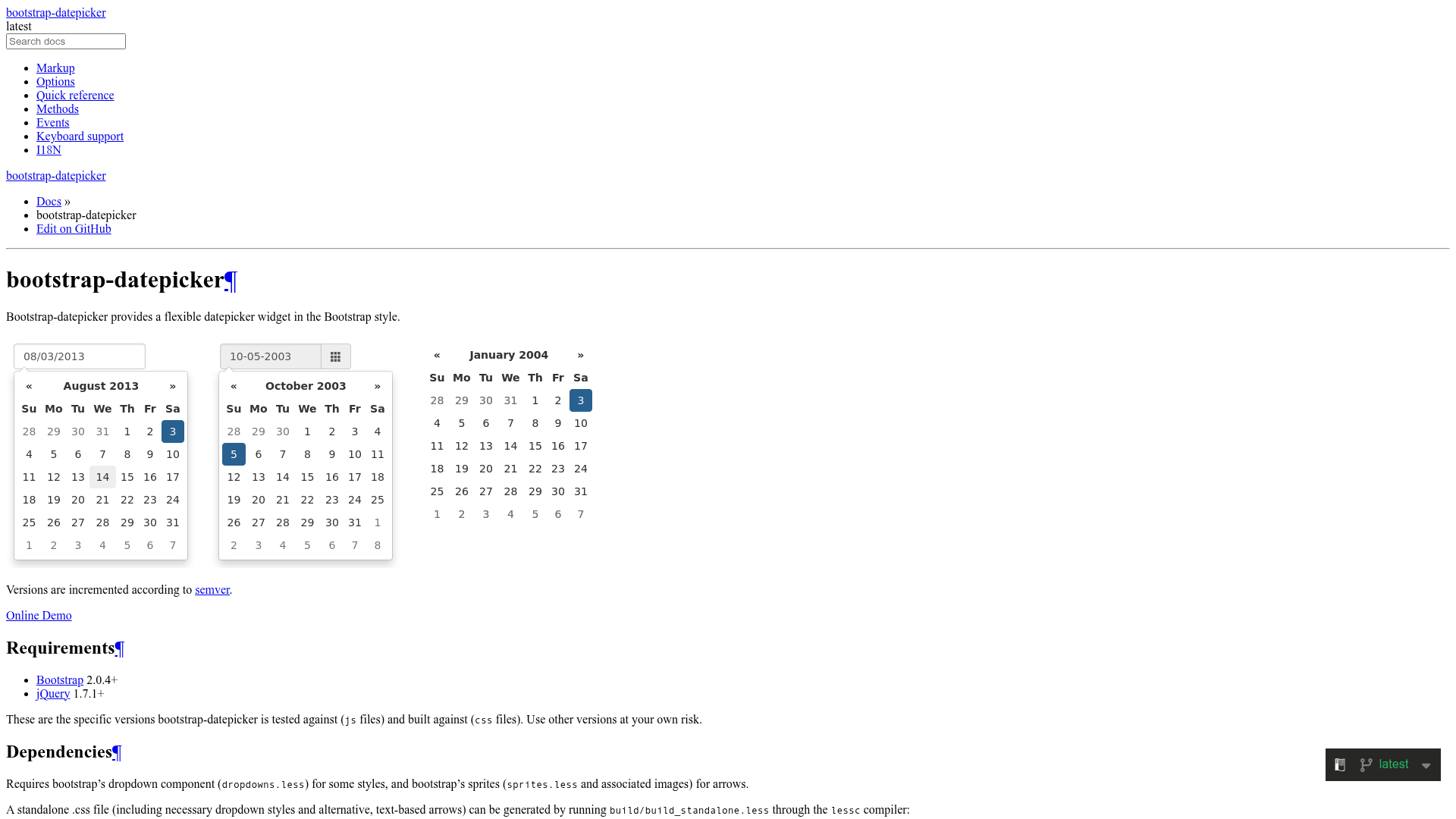
The bootstrap-datepicker documentation provides a comprehensive guide for developers to implement a customizable datepicker widget. This jQuery plugin integrates seamlessly with Bootstrap, offering a style-consistent way for users to select dates in web forms.
The library supports a wide range of configuration options through JavaScript initialization or HTML data attributes. Developers can customize date formats, set start and end dates, enable multi-date selection, and configure viewing modes from days to centuries. The widget supports both inline embedding and input field attachments.
It includes full internationalization support with multiple language packs, keyboard navigation, and various event hooks for customizing behavior. The datepicker works with both Bootstrap 2 and Bootstrap 3 frameworks, and includes a standalone CSS option for projects not using Bootstrap.
The documentation serves technical users implementing date selection functionality, with clear examples for markup, configuration options, method calls, and event handling. All code is open source and available through GitHub.
This description was generated by AI from the site's public content and may contain errors.
What you can do there
- View documentation and usage examples
- Learn configuration options and methods
- Download source code and assets
- Explore internationalization options
- Review keyboard navigation support
Who it's for
Web developers and designers working with Bootstrap who need date selection functionality
Frequently asked questions about adminlte.readthedocs.io
›What is bootstrap-datepicker?
It's a jQuery plugin that provides a customizable datepicker widget designed to work with Bootstrap frameworks.
›How do I install bootstrap-datepicker?
You can include the JavaScript and CSS files in your project and initialize it via jQuery selectors or data attributes.
›Does it support multiple date selections?
Yes, the plugin supports selecting multiple dates with configurable separators between selected values.
›Can I use it without Bootstrap?
Yes, there's a standalone CSS file that includes all necessary styles without requiring Bootstrap.
›Does it support different date formats?
Yes, you can configure various date formats including mm/dd/yyyy, dd/mm/yyyy, and other international formats.
›Is it mobile-friendly?
Yes, the datepicker works on mobile devices and includes touch-friendly interface elements.
›What languages does it support?
It includes internationalization support for multiple languages through separate language packs.